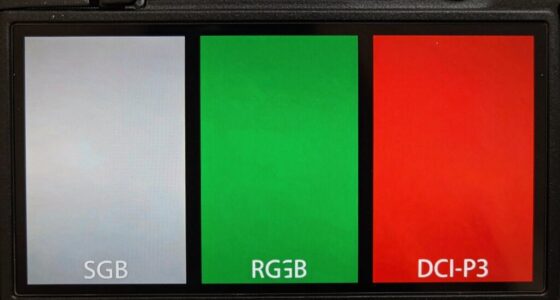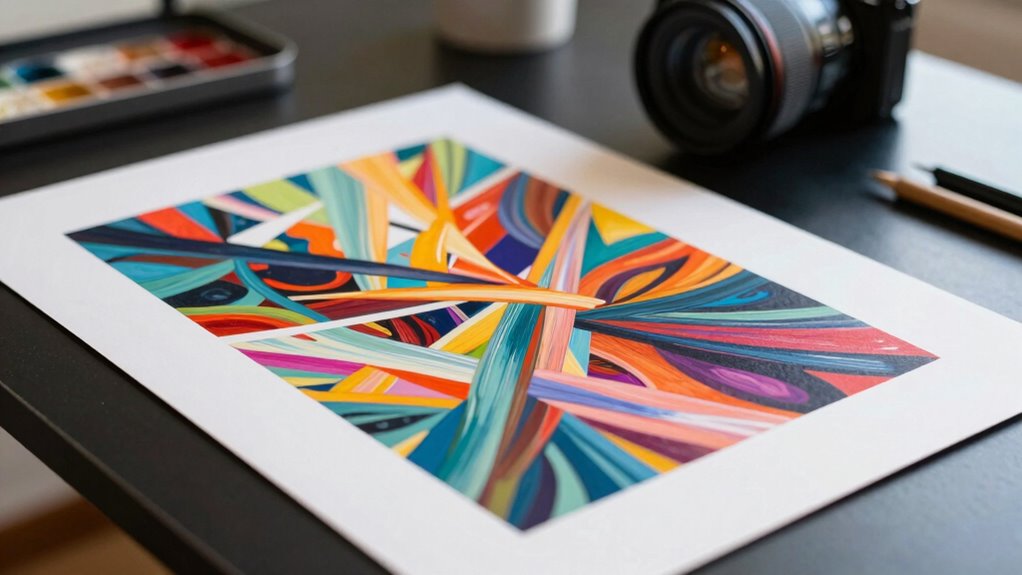

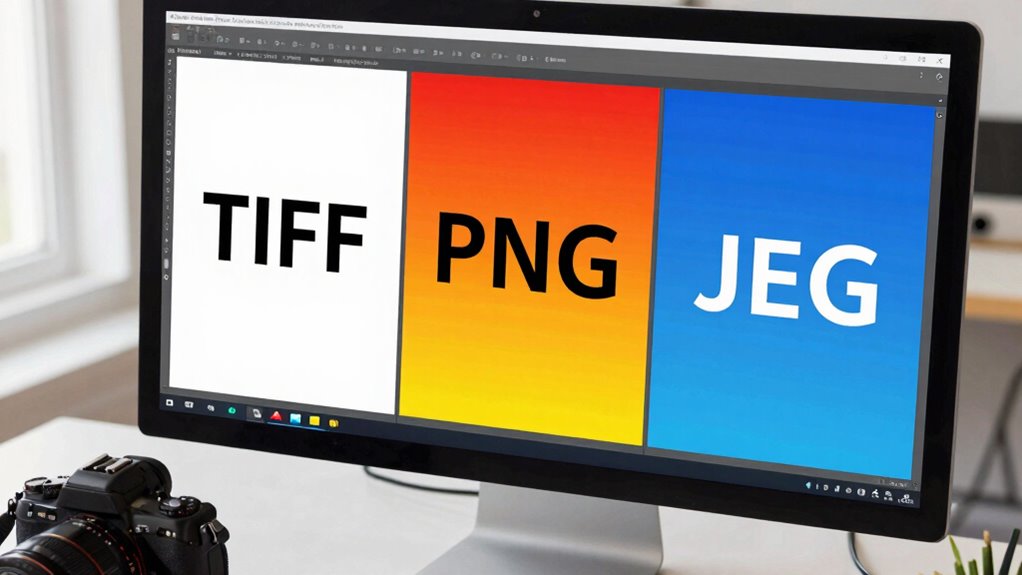
Choosing the right file format depends on your artwork’s purpose. Use TIFF for high-quality, detailed prints or archiving, as it preserves colors and resolution. PNG is best for transparent images, icons, or web graphics, maintaining sharpness without loss. JPEG offers smaller files for quick online sharing but sacrifices some detail and quality. To make the best choice and avoid common mistakes, explore the differences further and find what fits your needs perfectly.

Get art and craft supplies delivered free — and shop member deals
- Fast, free delivery on millions of items
- Access to Prime Big Deal Days deals on October 6–7
- Prime Video, Amazon Music and more included
Key Takeaways
- TIFF is ideal for high-quality, detailed artwork and professional printing, preserving maximum detail without compression artifacts.
- PNG supports transparency and lossless compression, perfect for web use and layered graphics with sharp edges.
- JPEG offers smaller file sizes with some quality loss, suitable for quick online sharing but not for high-fidelity artwork.
- Choose TIFF for archival and printing, PNG for transparency and online graphics, JPEG for web sharing with balanced quality and size.
- Selecting the correct format depends on usage, quality needs, and whether transparency or file size is prioritized.
TIFF high resolution image files
As an affiliate, we earn on qualifying purchases.
As an affiliate, we earn on qualifying purchases.
Comparing TIFF, PNG, and JPEG: Which Is Best for Your Digital Art?
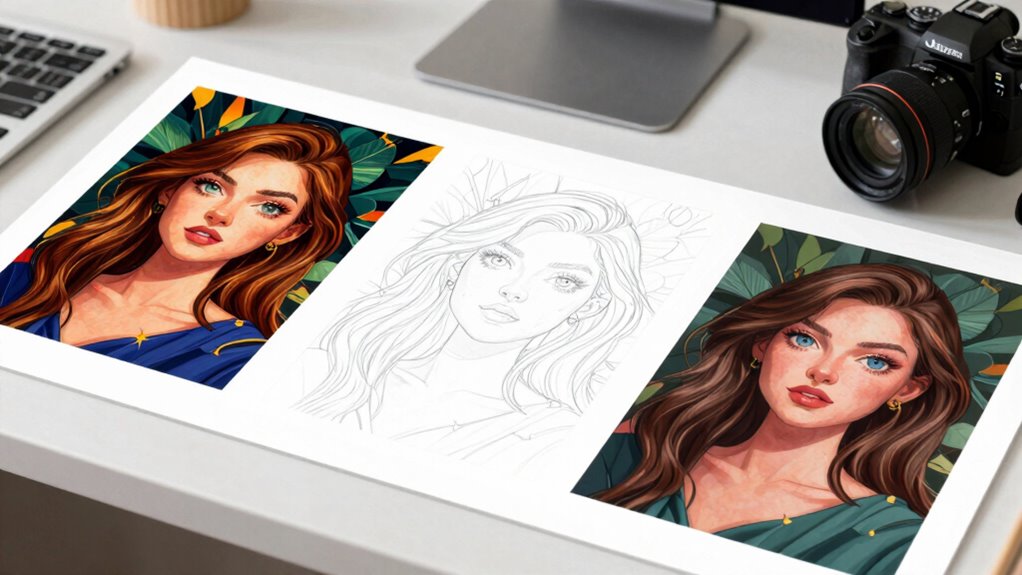
When choosing the right file format for your digital art, understanding the differences between TIFF, PNG, and JPEG is essential. Each format handles color depth and compression algorithms differently, affecting quality and file size. TIFF supports high color depth, making it ideal for detailed, professional work, and uses lossless compression, preserving every detail. PNG also offers high color depth and employs lossless compression, making it perfect for images with transparency or sharp edges. JPEG, however, uses lossy compression algorithms that markedly reduce file size but can sacrifice some image quality, especially in areas with subtle color variations. If you prioritize quality and detail, TIFF and PNG are better choices. For smaller files and quick sharing, JPEG might be suitable, but at the expense of some fidelity. Understanding different content formats can help you make more informed decisions about your digital artwork.
PNG transparent background images
As an affiliate, we earn on qualifying purchases.
As an affiliate, we earn on qualifying purchases.
When Should You Use TIFF for Digital Artwork?

Opting for TIFF is ideal when you need to preserve every detail and guarantee maximum image quality in your digital artwork. Use TIFF when working with high print resolution, especially if your piece will be printed at large sizes or displayed professionally. TIFF files support high color depths, allowing you to maintain a broad color palette and subtle gradations, which is vital for detailed artwork. This format is perfect for archiving your master files or sending images for professional printing, where quality matters most. Since TIFFs are lossless, they retain all original data without compression artifacts. Choose TIFF if your workflow demands the highest fidelity, and you want to assure your artwork remains pristine from creation to final output. Additionally, ethical considerations in the choice of file formats can impact how your digital work is perceived in the marketplace. Understanding debt management strategies can also help artists invest wisely in their digital tools and resources. Using high-quality formats like TIFF can enhance market value and ensure your work stands out in an increasingly competitive landscape. Furthermore, the choice of file format can influence utilitarian principles in how your artwork is appreciated and valued in the broader market. Notably, using TIFF can help you achieve desired thickness in color representation, much like how artists select the right yarn for scarves to achieve a specific aesthetic.
As an affiliate, we earn on qualifying purchases.
Why Use PNG for Transparent, High-Quality Images?

PNG is the go-to format when you need high-quality images with transparent backgrounds, making them perfect for web use, logos, and overlays. Unlike JPEG, PNG preserves color depth, ensuring your images retain vibrant, accurate colors without compression artifacts that can distort details. This format uses lossless compression, meaning it doesn’t sacrifice image quality when saving or editing, which is essential for maintaining sharpness and clarity. Transparency is seamlessly handled with PNG’s alpha channel, allowing you to create clean overlays and layered graphics. Whether you’re designing icons, UI elements, or detailed artwork, PNG offers the precision and quality needed for professional results. Its ability to prevent compression artifacts and support high color depth makes it ideal for high-resolution, transparent images. Additionally, the instant torque of electric dirt bikes illustrates the importance of preserving detail in high-performance visuals. Investing in educational resources about file formats can further enhance your understanding of the best practices for image quality.
professional digital art file formats
As an affiliate, we earn on qualifying purchases.
As an affiliate, we earn on qualifying purchases.
Is JPEG Suitable for Web Sharing and Online Use?
Is JPEG a good choice for web sharing and online use? Yes, because it offers effective image compression, making files smaller and faster to load. However, this compression can sometimes reduce color accuracy, especially with highly detailed or colorful images. JPEG is ideal for photographs and images where slight quality loss isn’t noticeable. Additionally, understanding early socialization can help ensure that images of dogs are presented in their best light. Furthermore, knowing how to care for ride clothes can enhance the overall quality of your visuals. The impact of regional flavors in imagery can also elevate the viewer’s experience. Moreover, utilizing smart shopping techniques can help you find the best tools for editing and saving your images. Use the table below to compare its strengths and weaknesses:
| Aspect | Advantage | Disadvantage |
|---|---|---|
| Image Compression | Small file sizes, quick uploads | Loss of some image detail |
| Color Accuracy | Good for photos, moderate quality | Reduced in highly detailed images |
| Online Use | Widely supported, fast loading | Not ideal for transparent images |
JPEG works well online, but remember that its compression may impact color fidelity. When considering file formats, it’s essential to understand color accuracy to maintain the integrity of your images.
How to Pick the Right File Format for Your Artwork
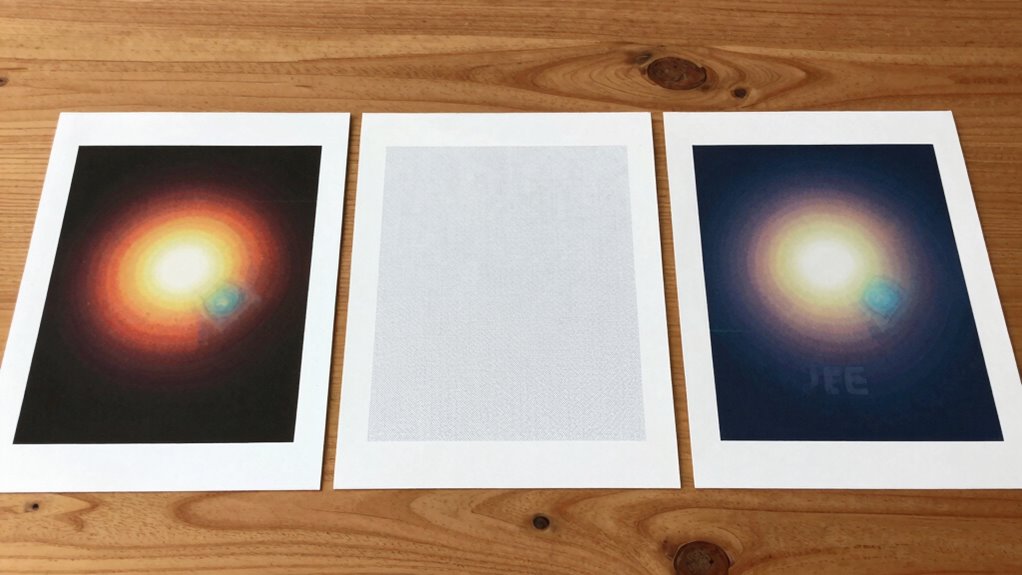
Choosing the right file format for your artwork depends on how you plan to use and share it. Consider color management needs—if maintaining accurate colors is essential, formats like TIFF support better color consistency. For sharing online or quick previews, PNG offers lossless compression without sacrificing quality, preserving detail and color fidelity. JPEG is ideal for web use when file size matters, but it employs lossy compression, which can degrade color accuracy and detail over time. Think about file compression: higher compression reduces size but can introduce artifacts, impacting your artwork’s integrity. Select a format that balances your quality demands with your storage and distribution needs. By understanding these factors, you’ll guarantee your artwork remains vibrant and true to your original vision, no matter where or how you share it. Additionally, consider how eco-friendly options can influence the sustainability of your artwork’s presentation.
Frequently Asked Questions
Can I Convert Between TIFF, PNG, and JPEG Without Losing Quality?
Yes, you can convert between TIFF, PNG, and JPEG without losing quality, but it depends on how you do it. Converting from a high-quality TIFF or PNG to JPEG may introduce compression artifacts and reduce color fidelity, especially if you choose a lossy setting. To preserve quality, stick to lossless formats like TIFF or PNG for editing, and only convert to JPEG when necessary for sharing, minimizing quality loss.
How Do File Formats Affect Digital Art Archiving Longevity?
You should choose your file format carefully for digital art archiving, as it affects longevity by influencing color accuracy and compression artifacts. TIFFs are ideal because they preserve detailed, high-quality images with minimal compression, ensuring accurate color reproduction over time. PNGs also maintain quality well, especially for transparency, but JPEGs introduce compression artifacts that can degrade image quality. Using the right format helps your art stay vibrant and intact long-term.
Are There Specific Software Limitations for Opening These Formats?
Sure, your software’s compatibility might be playing tricks on you. Some programs restrict opening certain formats—JPEGs are usually safe, but TIFFs and PNGs can be picky, especially with older or niche software. Format restrictions can cause headaches, forcing you to convert files or switch tools. To avoid frustration, always check your software’s compatibility list before exporting, or you might find yourself fighting with a stubborn file instead of creating art.
Do Different Formats Support Animation or Interactivity?
Different formats support animation or interactivity differently. PNG and TIFF are static formats, so they don’t support animated graphics or interactive elements. JPEG is also static, mainly used for photos. If you want animated graphics or interactivity, you should use formats like GIF for simple animations or SWF/HTML5 for more complex interactive elements. Choose the right format based on your project’s needs to guarantee compatibility and functionality.
What Are the File Size Differences Among TIFF, PNG, and JPEG?
Think of file sizes as a tug-of-war between quality and space. TIFF files, with their lossless compression and high color depth, are the heavyweight champs, often huge and detailed. PNGs, also lossless but with simpler compression, are lighter but still rich in quality. JPEGs, relying on lossy compression, sacrifice some detail for tiny sizes. Your choice depends on whether you prioritize pristine quality or smaller file sizes.
Conclusion
Choosing the right file format is like selecting the perfect brushstroke—each adds a different hue to your artwork’s story. TIFF, PNG, and JPEG each have their strengths, but using the wrong one can blur your creative vision. By understanding their roles, you’ll keep your digital masterpiece sharp and vibrant. So, pick wisely, and let your art shine like a lighthouse guiding viewers through a sea of pixels, crystal clear and full of life.
Fall Picks
fall essentials
As an affiliate, we earn on qualifying purchases.