If you’re wondering whether a GPU or CPU will speed up your creative work, it depends on your tasks. A powerful GPU can greatly reduce rendering times and improve real-time previews, especially in 3D, video editing, and AI workflows. Meanwhile, a capable CPU handles complex, serial tasks like file management, detailed vector work, and multi-layer processing. To get the best performance, it’s often best to balance both, and there’s more to explore if you want ideal setup tips.

Get art and craft supplies delivered free — and shop member deals
- Fast, free delivery on millions of items
- Access to Prime Big Deal Days deals on October 6–7
- Prime Video, Amazon Music and more included
Key Takeaways
- GPUs excel at parallel processing, significantly speeding up rendering, video editing, and AI tasks for creatives.
- CPUs handle sequential tasks, complex decision-making, and software compatibility, ensuring smooth workflow.
- Upgrading both CPU and GPU optimizes performance, preventing bottlenecks in demanding creative projects.
- The choice depends on specific tasks: GPU accelerates rendering and AI, while CPU improves overall responsiveness.
- Proper hardware compatibility and balanced upgrades are essential for maximizing creative productivity.
As an affiliate, we earn on qualifying purchases.
Understanding CPUs and GPUs: What They Are and How They Differ
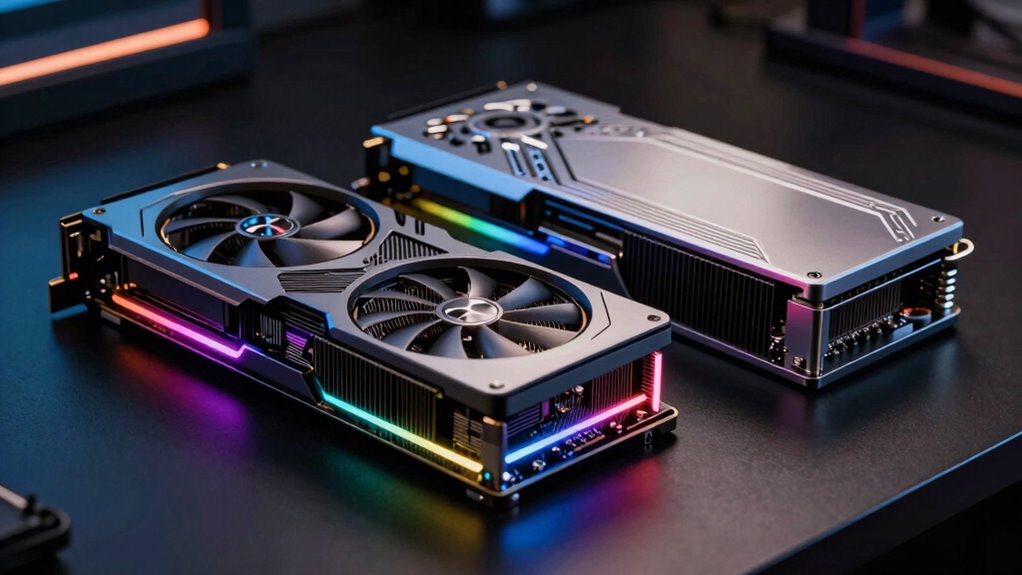
Have you ever wondered how your computer processes complex tasks so quickly? It all comes down to hardware architecture. CPUs, or Central Processing Units, feature a few powerful cores optimized for sequential tasks and general-purpose computing. They handle diverse functions efficiently but aren’t designed for massive parallel processing. GPUs, or Graphics Processing Units, have thousands of smaller cores tailored for parallel tasks like rendering images or videos. Their architecture allows them to perform many calculations simultaneously. This makes GPUs ideal for specific creative tasks. However, GPUs generally consume more power due to their high core count, impacting power consumption and energy efficiency. Understanding these differences helps you choose the right component for your creative work, balancing performance needs with energy use. Additionally, the high refresh rates offered by some GPUs can enhance your overall creative workflow, especially when dealing with graphics-intensive applications.
high performance CPU for creative work
As an affiliate, we earn on qualifying purchases.
As an affiliate, we earn on qualifying purchases.
What Creative Tasks Are CPUs Best At?
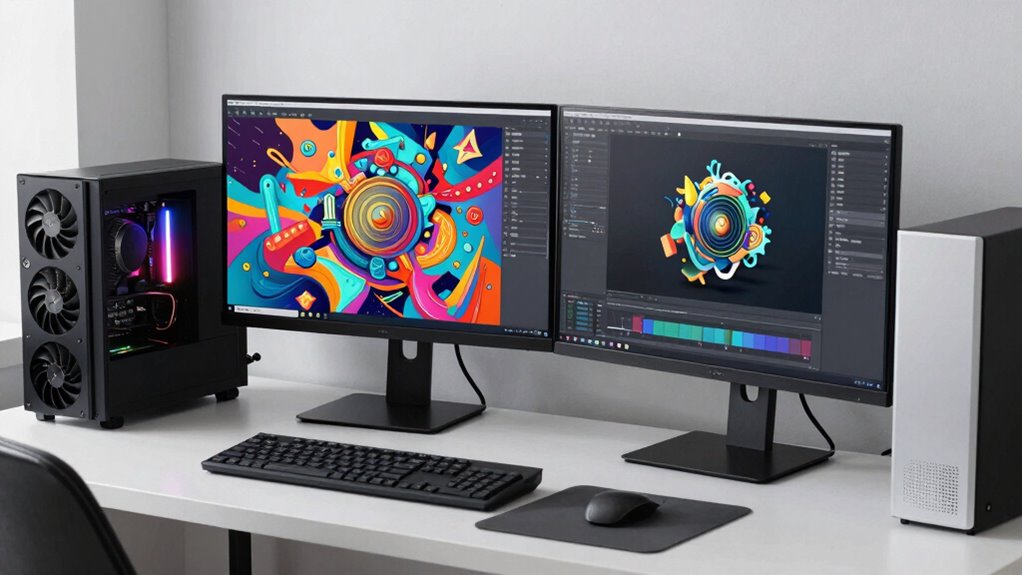
While GPUs excel at parallel processing, CPUs are your go-to for tasks that require quick, flexible decision-making and serial execution. If you’re working on graphic design projects, CPUs handle the core tasks like running design software, managing multiple layers, and executing complex commands efficiently. For photo editing, CPUs process image adjustments, apply filters, and handle file management swiftly, especially when working with large files or multiple edits. They excel at tasks that require sequential processing, such as rendering detailed vector graphics or running plugins that depend on serial calculations. Additionally, twin flame connections can inspire creativity by fostering personal growth that influences your artistic vision. Furthermore, the integration of digital frames into your workflow can enhance your creative output by providing instant feedback on visual projects. Overall, CPUs provide the versatility and speed needed for the foundational, decision-heavy aspects of creative work, making them essential for tasks that demand adaptability and precision. Moreover, understanding the importance of fact-checking & media literacy can help you make informed choices about the tools and resources you use in your creative projects. Additionally, understanding the nuances of digital content formats can help you better leverage CPU capabilities in your creative projects. Additionally, CPU performance can significantly impact multi-unit setups when working with complex software environments.
GPU rendering card for 3D modeling
As an affiliate, we earn on qualifying purchases.
As an affiliate, we earn on qualifying purchases.
Which Workloads Benefit Most From a GPU?

GPUs shine brightest when it comes to workloads that require massive parallel processing. If you’re working with AI acceleration, a GPU can markedly speed up training and inference, thanks to its ability to handle thousands of tasks simultaneously. This makes it ideal for deep learning models, rendering, and complex simulations. Additionally, GPUs excel at accelerating graphics and video editing workflows, where rendering times drop dramatically. However, keep in mind that increased power consumption can be a concern, especially with high-performance GPUs running intensive tasks. For creative tasks demanding parallel computations, such as 3D rendering or AI-driven workflows, investing in a powerful GPU delivers noticeable speed improvements. These workloads benefit most because they leverage the GPU’s ability to process multiple data streams efficiently.
multi-core CPU for digital design
As an affiliate, we earn on qualifying purchases.
As an affiliate, we earn on qualifying purchases.
Should You Upgrade Your CPU or GPU for Creative Work?

When deciding whether to upgrade your CPU or GPU, consider how each impacts rendering speed and software compatibility. A faster CPU can improve overall system responsiveness, while a stronger GPU accelerates rendering tasks in graphics-heavy programs. Think about your workflow needs to determine which upgrade will deliver the most noticeable performance boost.
Impact on Rendering Speed
Upgrading your CPU or GPU can markedly impact your rendering times, but which one makes the biggest difference depends on the nature of your projects. For rendering acceleration, a powerful GPU often provides faster results, especially with tasks like 3D rendering or video editing, where parallel processing shines. However, hardware bottlenecks can limit performance gains; if your CPU is outdated, it may slow down overall rendering, even with a good GPU. In many cases, a balanced upgrade improves efficiency, but if you’re primarily working with GPU-accelerated software, prioritizing your GPU yields more noticeable speed increases. Conversely, CPU upgrades benefit projects reliant on complex calculations or software that’s CPU-bound. Understanding your workflow helps determine whether a CPU or GPU upgrade will truly optimize your rendering speed. Additionally, exploring AI trends can provide insights into how emerging technologies might further enhance your creative processes.
Software Compatibility Needs
Choosing between upgrading your CPU or GPU depends heavily on the software you use. Some programs are optimized for specific hardware, so upgrading one might cause hardware incompatibility issues or reveal software limitations. For example, many creative applications like Adobe Premiere or DaVinci Resolve rely heavily on GPU acceleration, making a GPU upgrade more beneficial. Conversely, software like CAD or 3D modeling tools may depend more on CPU performance, requiring a processor upgrade. It’s crucial to check your software’s hardware requirements and compatibility before upgrading. Ignoring these needs can lead to software limitations that hinder your workflow, despite having powerful hardware. Ultimately, understanding your software’s compatibility needs helps you make the right choice, avoiding unnecessary expenses and optimizing your creative productivity.
Do You Need Both CPUs and GPUs for Peak Creative Performance?

To achieve peak creative performance, you might find that balancing your workload across both CPUs and GPUs is essential. Compatibility with your software and tools can influence whether you need both components working together. Optimizing your setup guarantees smoother workflows and better results in your creative projects.
Balancing Workload Efficiency
While a powerful GPU can accelerate rendering and complex visual effects, relying solely on one component limits your creative workflow. To optimize performance, you need a balanced approach that considers workload distribution. Here are three key points:
- Hardware longevity: Using both CPUs and GPUs evenly prevents overstressing one component, extending your system’s lifespan.
- Energy efficiency: Proper workload balancing reduces power consumption, saving costs and minimizing environmental impact.
- Peak creative output: Combining the strengths of both processors ensures faster rendering, smoother multitasking, and more efficient project workflows.
Achieving this balance means investing in a system that handles diverse tasks effectively, ultimately enhancing your creative process and maintaining your hardware’s health over time.
Software Compatibility Needs
Understanding your software’s requirements is vital to maximizing your system’s performance. Many creative programs rely heavily on software compatibility, which means they need specific hardware features or driver updates to run efficiently. Some applications, like 3D rendering or video editing tools, depend on both CPUs and GPUs to function effectively. Ensuring your system has the latest driver updates is essential, as they improve compatibility and fix bugs that could hinder performance. Check your software’s specifications to see if it requires GPU acceleration or multi-core processing. If your software demands both, investing in a balanced setup becomes necessary. Failing to meet compatibility needs can result in slower workflows, crashes, or limited feature access. Staying informed about software requirements helps you optimize your hardware for peak creative performance.
Creative Process Optimization
Achieving peak creative performance often requires more than just powerful hardware; it depends on how well your system balances CPU and GPU capabilities. Proper hardware integration enhances your workflow and guarantees a smooth user experience. To optimize your creative process, consider these key factors:
- Balanced Hardware: Combining CPU and GPU strengths prevents bottlenecks and boosts overall speed. Understanding hardware integration can significantly improve performance in creative applications.
- Software Optimization: Use applications designed for hardware acceleration to maximize efficiency.
- Workflow Streamlining: Automate tasks and prioritize processes that benefit most from GPU or CPU processing. Additionally, incorporating elements like outdoor ovens can inspire creativity by providing a unique cooking experience that stimulates the senses.
How to Balance CPU and GPU Upgrades for Your Creative Setup
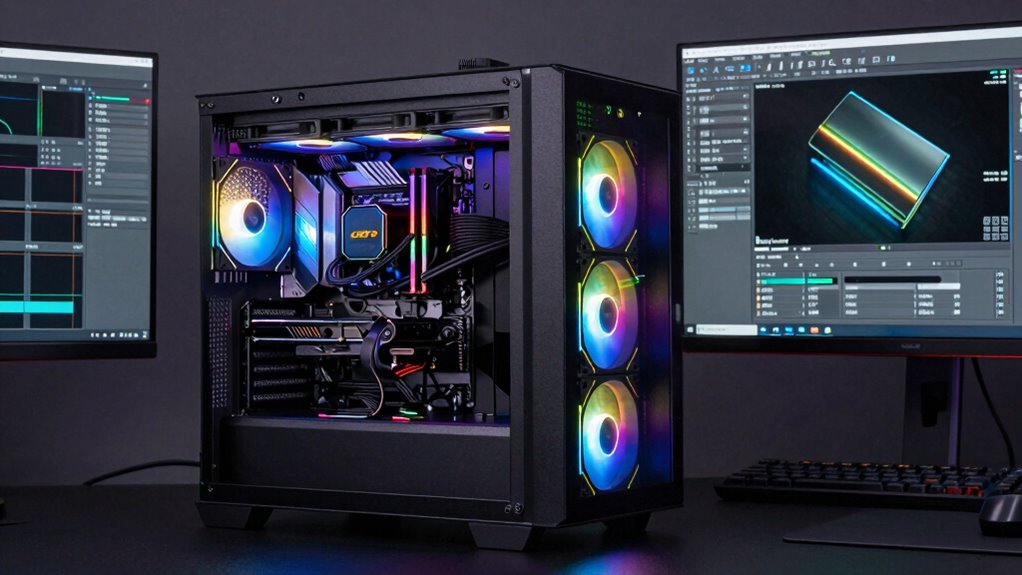
Balancing CPU and GPU upgrades is essential to maximizing your creative workflow without overspending on unnecessary hardware. Focus on your specific needs—if color calibration demands precise rendering, prioritize GPU power. For tasks like 3D modeling or video editing, both components matter; allocate budget accordingly. To optimize, consider hardware ergonomics—ensure your setup promotes comfort and efficiency. Additionally, integrating Victorian aesthetics into your workspace can inspire creativity and enhance your overall experience. Investing in high-quality accessories can further elevate your setup. Use this table as a quick guide:
| Task Type | Recommended Upgrade Focus | Additional Tips |
|---|---|---|
| Color calibration | GPU | Use calibrated monitors |
| 3D modeling | Balanced CPU & GPU | Upgrade RAM for smooth workflow |
| Video editing | GPU for rendering, CPU for editing | Maintain proper airflow |
Balancing upgrades helps create a seamless, efficient environment tailored to your creative work. Additionally, understanding how shipwreck preservation techniques can inspire innovative solutions may enhance your creative approach.
Frequently Asked Questions
How Do CPU and GPU Differences Impact Rendering Times?
Your rendering times are directly impacted by how well your CPU and GPU handle graphics optimization and software compatibility. A powerful GPU accelerates tasks like 3D rendering and video processing, speeding up workflow. Meanwhile, a strong CPU manages complex calculations and software that rely heavily on processing power. Choosing components tailored for your creative software guarantees smoother rendering and quicker results, making your work more efficient overall.
Can a Weaker CPU Bottleneck a High-End GPU?
Imagine you’re editing a high-resolution video, and your weaker CPU causes a CPU bottleneck, slowing down processing. This limits your high-end GPU’s potential, as it can’t work at full capacity due to CPU limitations. Yes, a weaker CPU can bottleneck a high-end GPU, preventing it from maximizing performance. This mismatch results in longer rendering times, as the CPU struggles to keep up with the GPU’s capabilities.
What Are the Signs My Creative Workflow Needs a Hardware Upgrade?
If your creative workflow feels sluggish, it’s time for a hardware upgrade, especially if you notice frequent crashes, long render times, or lag during editing. Check hardware compatibility first to avoid compatibility issues, then consider the upgrade cost versus benefits. Upgrading your CPU or GPU can markedly boost performance, but if your system is outdated or bottlenecked, investing in new hardware will make your work smoother and more efficient.
Are Integrated GPUS Sufficient for Professional Creative Tasks?
Integrated GPUs often aren’t enough for professional creative tasks, as they tend to cause creative limitations. If you’re working with demanding software like 3D rendering, video editing, or high-resolution image processing, you’ll likely notice slower performance and lag. While integrated GPUs are sufficient for basic editing and design work, upgrading to a dedicated GPU will dramatically boost your workflow, reduce creative limitations, and improve overall productivity.
How Does RAM Influence GPU and CPU Performance in Creative Work?
They say “a chain is only as strong as its weakest link,” and that’s true for your creative setup. RAM influences GPU and CPU performance by preventing memory bottlenecks, allowing smooth multitasking and rendering. Proper RAM optimization guarantees your system handles large files efficiently, avoiding slowdowns. So, upgrading your RAM helps your GPU and CPU work at their best, speeding up your creative projects and keeping your workflow seamless.
Conclusion
Don’t worry if upgrading feels overwhelming—you don’t need both right away. Focus on your specific creative tasks, and upgrade what’ll give you the biggest boost first. Even a modest GPU can speed up rendering, while a solid CPU keeps your workflow smooth. Remember, enhancing your setup is about making your work easier, not complicating it. So, pick what fits your needs best, and enjoy creating without unnecessary stress!
Fall Picks
fall essentials
As an affiliate, we earn on qualifying purchases.