To achieve a clean print, you need to understand how off-contact and snap work together. Off-contact keeps the screen slightly above the substrate, preventing ink smudges and enabling sharp edges, while snap allows the squeegee to release quickly and cleanly, reducing ghosting. Proper balance ensures smooth ink transfer and crisp details. Mastering these techniques improves your results considerably—keep exploring to learn how adjusting tension, ink viscosity, and environment can elevate your prints even further.

Get art and craft supplies delivered free — and shop member deals
- Fast, free delivery on millions of items
- Access to Prime Big Deal Days deals on October 6–7
- Prime Video, Amazon Music and more included
Key Takeaways
- Proper off-contact distance allows the squeegee to lift cleanly, reducing ink smudging and ensuring sharp image edges.
- A quick, forceful snap releases the squeegee efficiently, minimizing ghosting and streaks during printing.
- Mesh tension and screen stability influence ink flow and transfer consistency, impacting print clarity.
- Optimal squeegee pressure and snap timing promote even ink deposit and precise edge definition.
- Controlled environment and substrate preparation prevent ink smudging, ensuring cleaner, crisper prints.
As an affiliate, we earn on qualifying purchases.
Why Proper Off-Contact and Snap Matter in Screen Printing

Proper off-contact and snap are essential for achieving high-quality screen prints because they directly affect ink deposit and image sharpness. When these parameters are correct, ink flows evenly through the screen, promoting consistent color blending and vibrant results. If off-contact is too low, ink may smudge or bleed, ruining sharpness. If it’s too high, ink may not transfer fully, leading to uneven coverage. Snap helps control how the squeegee contacts the screen, influencing ink viscosity and flow. A good snap ensures the ink is pressed smoothly onto the substrate, preventing issues like trapping or misregistration. Overall, maintaining proper off-contact and snap creates ideal conditions for accurate color blending, sharp details, and a smooth, professional finish. Moreover, understanding digital concepts can help printers optimize their techniques for even better results.
screen printing mesh tension gauge
As an affiliate, we earn on qualifying purchases.
As an affiliate, we earn on qualifying purchases.
Understanding Off-Contact: How It Affects Print Sharpness

Understanding off-contact is key to mastering sharp, detailed screen prints. When you set the correct off-contact, you allow the squeegee to lift slightly from the screen during each stroke, which improves ink transfer and edge definition. Ink viscosity plays a crucial role here—thicker inks require a slightly greater off-contact to prevent smudging, while thinner inks benefit from closer contact for sharper lines. Adjusting squeegee pressure also impacts print sharpness; too much pressure can cause ink bleed, reducing detail, whereas too little may result in incomplete ink transfer. Finding the right balance between off-contact, ink viscosity, and squeegee pressure ensures crisp, clean edges. Properly managing these factors leads to consistent, high-quality prints with excellent detail and sharpness.
off-contact screen printing tools
As an affiliate, we earn on qualifying purchases.
As an affiliate, we earn on qualifying purchases.
How Snap Technique Improves Ink Transfer and Clarity

The snap technique enhances ink transfer by guaranteeing the squeegee releases quickly and cleanly from the screen, minimizing smudging and edge distortion. When you execute a sharp snap, the squeegee’s momentum helps push ink through the mesh efficiently, regardless of ink viscosity. If the ink is too thick, a quick release prevents it from pooling or smudging at the edges. Mesh tension also plays an essential role; a properly tensioned screen resists deformation, allowing the snap to produce a cleaner, more precise transfer. By combining ideal mesh tension with a controlled snap, you improve ink deposit consistency and clarity. This technique reduces streaks and ghosting, resulting in sharp, professional prints. Ultimately, mastering the snap ensures you get vibrant, detailed images with minimal effort. Additionally, quality and client satisfaction are crucial in achieving outstanding print results, as they reflect the overall design and execution of the project. Proper paint viscosity is key to optimizing the snap technique and achieving the best results.
snap squeegee for screen printing
As an affiliate, we earn on qualifying purchases.
As an affiliate, we earn on qualifying purchases.
The Role of Screen Tension in Achieving Consistent Prints

Achieving consistent prints hinges on maintaining the right screen tension throughout your process. Proper screen tension ensures the mesh stays taut, providing a stable surface for ink transfer. When tension is too low, the mesh sags, causing uneven prints and ink smudges. Conversely, overly tight screens can lead to cracking or difficulty in squeegee movement. Screen tension also influences ink viscosity’s effectiveness; a well-tensioned screen allows ink to flow smoothly and evenly through the mesh. Consistent tension helps you achieve sharp detail and uniform coverage, reducing variations between prints. Regularly check and adjust your screen tension to match your ink’s viscosity and the desired print quality. Keeping these factors in balance is key to producing clean, professional results every time.
Troubleshooting Blurred and Smudged Prints
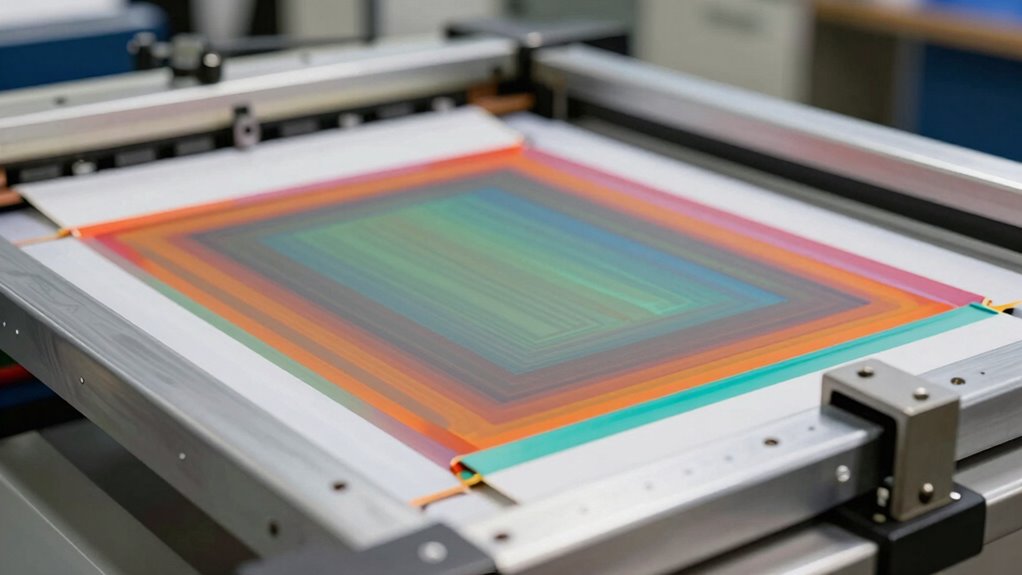
If your prints are blurry or smudged, start by checking if your ink is drying properly before handling the print. Make sure your workspace is at the right temperature and humidity to prevent smudging, and guarantee your ink has enough time to dry completely. Understanding recovery factors can also enhance your awareness of the importance of preparation and patience in achieving quality outputs. Additionally, using high-quality paper can significantly improve print clarity and overall results. Diverse genres in animated films showcase various storytelling techniques that can inspire your printing process. Additionally, Benatars daughters’ careers in the fashion industry illustrate the importance of presentation, which can also apply to your print outputs. Adjusting these factors can make a big difference in achieving crisp, clean results. Additionally, ensuring proper airflow around the unit can help maintain optimal conditions for your printing environment.
Proper Ink Drying Techniques
Proper ink drying is essential to prevent blurred or smudged prints, especially when working with detailed or multi-color designs. To achieve this, pay attention to ink viscosity; if it’s too thick, it won’t dry evenly, increasing the risk of smudges. Thin ink dries faster but can compromise color opacity, making your design look dull or faded. Confirm proper heat and curing times to allow the ink to set correctly without over-drying, which can cause cracking. Use a consistent drying process and avoid rushing through it. Check the ink’s viscosity before printing, and adjust as needed for peak flow. Additionally, selecting the right printmaking paper can also play a crucial role in the drying process, as certain textures and weights absorb ink differently. Proper drying techniques help maintain sharpness, color vibrancy, and overall print quality, giving your finished product a professional look. Additionally, understanding somatic therapy techniques can enhance your overall approach to creativity and reduce stress during the printing process. Awareness of early detection signs can also inspire a more mindful approach to your work, ensuring that you take the necessary time to achieve the best results.
Maintaining Optimal Print Environment
Maintaining a stable print environment is key to preventing blurred or smudged prints. Fluctuations in temperature, humidity, or dust can affect ink viscosity and mesh tension, leading to poor transfers. To optimize conditions, keep the workspace clean and controlled. Regularly check mesh tension; loose mesh causes ink spread, while overly tight mesh can cause tearing. Adjust ink viscosity if the ink appears too thick or too runny, ensuring proper flow without smudging. Use a consistent temperature to prevent ink drying inconsistencies. Maintain proper screen tension to ensure uniform ink deposit. Also, guarantee humidity levels, as excessive moisture can cause ink to bleed. These steps help you achieve crisp, sharp prints free of blurring or smudging. Additionally, understanding the importance of proper tension in screen printing can enhance the overall quality of your prints.
Tips to Optimize Your Screen Printing Setup for Sharp Results
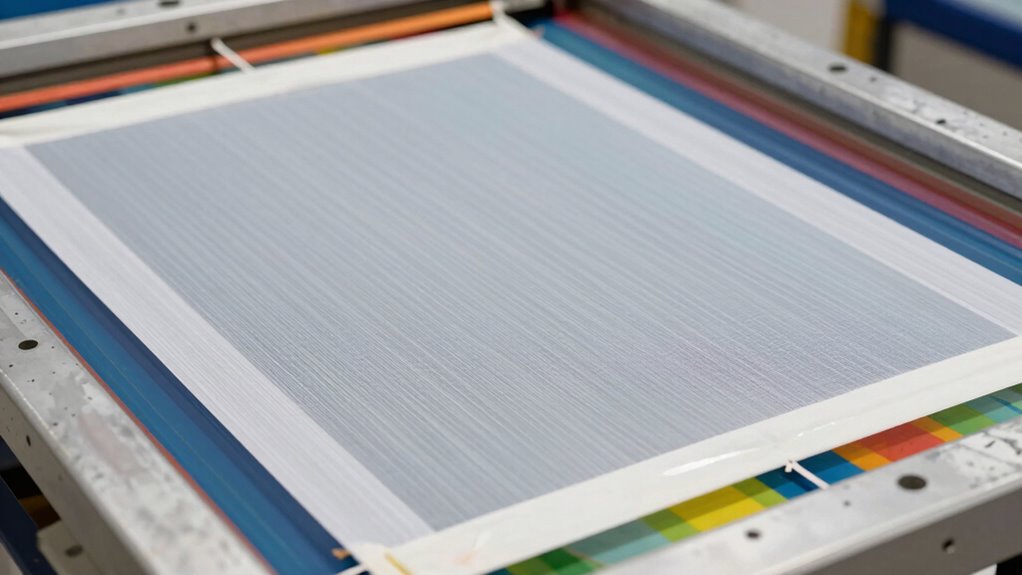
Achieving crisp results in screen printing largely depends on how well you set up your equipment, especially when it comes to off-contact and snap. Properly adjusting these ensures ink doesn’t smudge and details stay sharp. Focus on color mixing to prevent muddy tones, and choose the right substrate for your design; a smooth, compatible surface enhances clarity. Additionally, investing in top creative gear can significantly improve your overall printing experience.
Use this quick guide:
| Tip | Key Focus | Benefit |
|---|---|---|
| Adjust off-contact | Maintain consistent distance | Sharp, defined prints |
| Set snap tension | Control screen rebound | Clean edges and details |
| Optimize substrate | Select smooth, compatible material | Better ink transfer |
| Mix colors precisely | Use accurate proportions | Vibrant, accurate hues |
| Test before printing | Run test prints | Identify issues early |
Frequently Asked Questions
How Does Ink Viscosity Influence Off-Contact and Snap Effectiveness?
Your ink viscosity directly impacts off-contact and snap effectiveness by controlling ink flow. If the viscosity is too high, ink becomes thick, making it harder to release cleanly from the stencil, reducing snap. Conversely, low viscosity allows for smoother ink flow, enhancing off-contact and snap, leading to sharper prints. Proper viscosity management ensures consistent ink flow, optimizing the release and achieving a cleaner, more precise print with better off-contact and snap performance.
Can Environmental Factors Affect the Quality of the Snap Technique?
Yes, environmental factors can impact the quality of your snap technique. High humidity can cause ink to thicken or dry unevenly, reducing snap sharpness. Conversely, low humidity helps ink flow smoothly. Additionally, substrate temperature affects ink viscosity; a warmer substrate promotes better ink release, enhancing snap effectiveness. By controlling humidity and temperature, you guarantee consistent ink behavior, resulting in cleaner, crisper prints with ideal snap.
What Are Common Signs of Incorrect Off-Contact Adjustment?
You’ll notice incorrect off-contact adjustment through uneven prints, ink smudges, or inconsistent color density. If the print bed isn’t level, the off-contact distance varies, causing poor ink transfer. Additionally, improper off-contact can lead to incomplete ink curing, resulting in blurred or faded images. Always check print bed leveling regularly and adjust the off-contact distance accordingly to guarantee a clean, sharp print with proper ink curing.
How Does Mesh Count Impact Print Sharpness and Ink Transfer?
Did you know higher mesh counts can improve print sharpness? Mesh count greatly impacts ink transfer and image detail, with finer meshes providing crisper images. Your screen tension and mesh durability play essential roles; proper tension guarantees consistent ink deposit, while durable mesh withstands multiple prints without losing sharpness. Using a higher mesh count enhances detail but may require more precise adjustments to maintain ideal ink transfer and prevent blurring.
Are There Different Snap Techniques for Various Printing Substrates?
Yes, you can use different snap techniques for various substrates. For flexible substrates, you’ll want a softer snap to prevent stretching or damage, while rigid or textured surfaces may require a firmer snap to guarantee proper ink transfer. Adjusting your snap technique based on substrate surface texture helps achieve sharp, clean prints. Understanding how surface texture affects ink release and substrate flexibility guides you in choosing the right snap settings for each material.
Conclusion
Mastering off-contact and snap techniques can boost your print quality dramatically, with proper setup reducing smudges by up to 50%. By understanding how screen tension and precise adjustments influence ink transfer, you’ll achieve sharper, cleaner prints every time. Remember, consistent practice and fine-tuning are key. With these tips, you’ll turn out professional results that stand out, making your work not only visually appealing but also more efficient and satisfying.
Halloween Picks
halloween
As an affiliate, we earn on qualifying purchases.