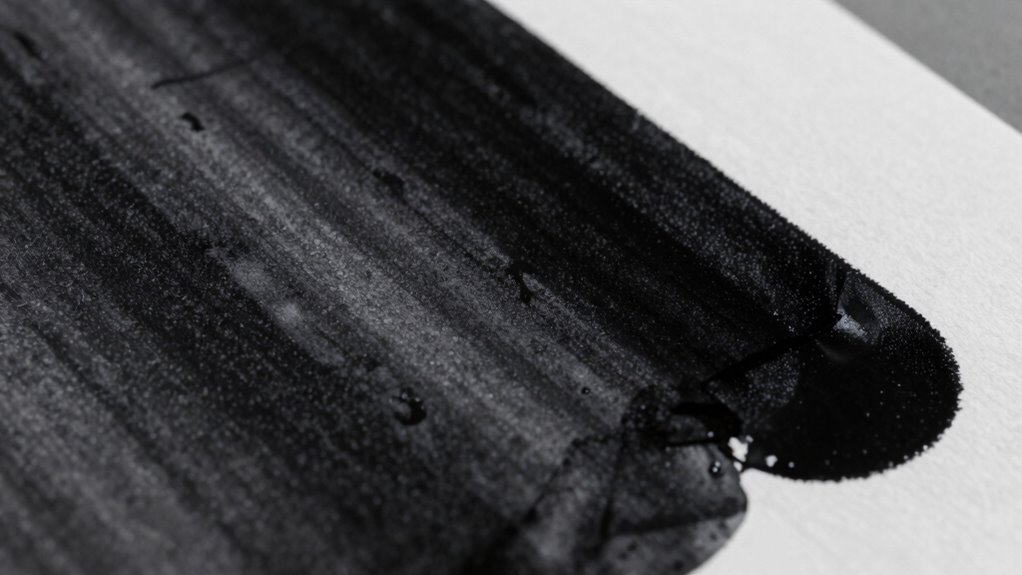
If your blacks look gray and dull, it’s usually due to using low-quality ink, inadequate paper, or wrong printer settings. Choosing smooth, coated, or glossy paper helps ink absorb evenly for deeper blacks. Adjust your printer’s color management and resolution for richer results, and make sure ink cartridges are full and compatible. Regular calibration keeps blacks consistently vibrant. If you’re keen to improve your prints further, explore more tips and techniques below.
Key Takeaways
- Use high-quality, rich black ink or combine black with small amounts of cyan, magenta, and yellow for vibrancy.
- Choose smooth, coated, or glossy paper to enhance ink absorption and prevent dullness.
- Calibrate your printer and monitor regularly to ensure consistent deep black reproduction.
- Increase print resolution and select appropriate printer modes for denser, richer blacks.
- Check ink levels and replace low or uneven cartridges to maintain consistent black quality.

HP 67XL Black High-Yield Ink Cartridge | Works with DeskJet 1255, 2700, 4100, Envy 6000, 6400 Series | Eligible for Instant Ink | 3YM57AN | Packaging May Vary
HP Ink Cartridges are engineered to work with HP printers to provide consistent quality, reliability and value
As an affiliate, we earn on qualifying purchases.
As an affiliate, we earn on qualifying purchases.
Why Do Black Prints Look Gray and Dull?

Have you ever wondered why your black prints sometimes appear gray and dull instead of rich and deep? It often comes down to the black pigment used in your ink and the paper texture. If the ink contains a less intense black pigment, it won’t produce a vivid, deep black. Instead, it results in a washed-out, grayish tone. Additionally, the paper’s texture plays a significant role. Rough or highly textured paper can scatter ink particles, preventing the ink from settling evenly and causing dullness. Smooth, coated paper allows the black pigment to sit flat and absorb evenly, creating richer, more vibrant blacks. Understanding these factors helps you choose the right ink and paper combination for deep, true black prints.

Uinkit 100 Sheets Thick Inkjet Glossy Photo Paper Picture 8.5×11 62lb 230g 11.1mil Cardstock Postcard Brochure For Dye Ink Inkjet Printer
INKJET PRINTER ONLY : White glossy finish, glossy brochure inkjet photo paper, 100 sheets a pack , No…
As an affiliate, we earn on qualifying purchases.
As an affiliate, we earn on qualifying purchases.
How to Fix Gray Blacks in Your Prints Quickly
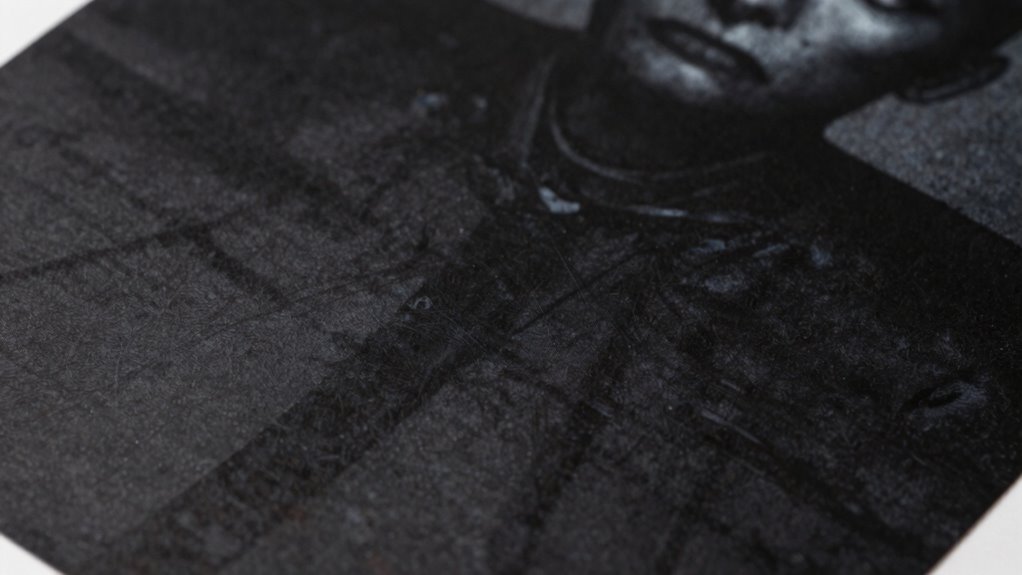
If your black prints look dull and gray, quick adjustments can restore their richness. Start by checking the black pigment in your ink or toner—using a higher concentration of a deep black pigment can make a significant difference. Additionally, using a battery inverter generator can provide reliable power for your printer, ensuring optimal functionality during your printing tasks. Adjust your printer settings to increase the darkness or contrast for deeper blacks. Additionally, consider the paper texture; smoother paper helps the black pigment settle evenly, avoiding dull patches. Incorporating eco-friendly practices in your printing process can also improve overall print quality, as maintaining color accuracy ensures vibrant and true-to-life results. Understanding halal design principles can also inspire creativity in your print projects. Engaging with local art exhibitions can provide inspiration for color and design choices in your prints.
| Adjustment | Effect | Best For |
|---|---|---|
| Increase ink density | Richer, deeper blacks | High-quality prints |
| Use matte or glossy paper | Enhances black pigment adhesion | Smooth paper textures |
| Adjust contrast settings | Brightens black areas | Digital image correction |
| Clean print heads | Clears blockages that cause dullness | Printer maintenance |
| Select darker paper | Improves overall depth | Fine art printing |

212Pcs 3D Printer Tool Kit with 3D Printer Accessories Bring Tool Box Includes Deburring Ideal for Disassembly Cleaning and Precision Machining Toolboxes
212Pcs 3D Printing Tool Set:Nylon Board Brush, Plastic Scraper, Wire Brush, Stainless Steel Scraper, Trimming Knife Kit, Engraving…
As an affiliate, we earn on qualifying purchases.
As an affiliate, we earn on qualifying purchases.
Choose the Right Paper for Vibrant, Deep Blacks

Choosing the right paper can make a significant difference in achieving vibrant, deep blacks in your prints. Look for paper with a smooth texture, which allows for even ink absorption and minimizes uneven shading. Textured papers, like linen or rough surfaces, can cause ink to disperse unevenly, dulling the blacks. Opt for glossy or semi-glossy finishes that promote better ink absorption, helping your blacks appear richer and more intense. Matte papers tend to absorb ink too much, which can lead to a muted look. When selecting paper, consider its coating; coated papers often enhance ink retention and color depth. Additionally, choosing sustainable paper options can further elevate your prints while being environmentally conscious. By selecting a paper optimized for deep blacks, you ensure your prints look sharp, vibrant, and professional. Furthermore, understanding digital content formats can help you make more informed choices about how your prints will be displayed and perceived. Using the right spraying techniques can also affect the overall quality of your prints and enhance the depth of the blacks. Moreover, employing project management support during the printing process can streamline production and ensure consistent quality throughout. Remember that proper lighting conditions can significantly impact how the deep blacks are perceived in your final prints.

HP 67 Black/Tri-Color Ink Cartridges (2-Pack) | Works with DeskJet 1255, 2700, 4100, Envy 6000, 6400 | Instant Ink Eligible | 3YP29AN | Packaging May Vary
HP Ink Cartridges are engineered to work with HP printers to provide consistent quality, reliability and value
As an affiliate, we earn on qualifying purchases.
As an affiliate, we earn on qualifying purchases.
Adjust Printer Settings for Richer Black Output
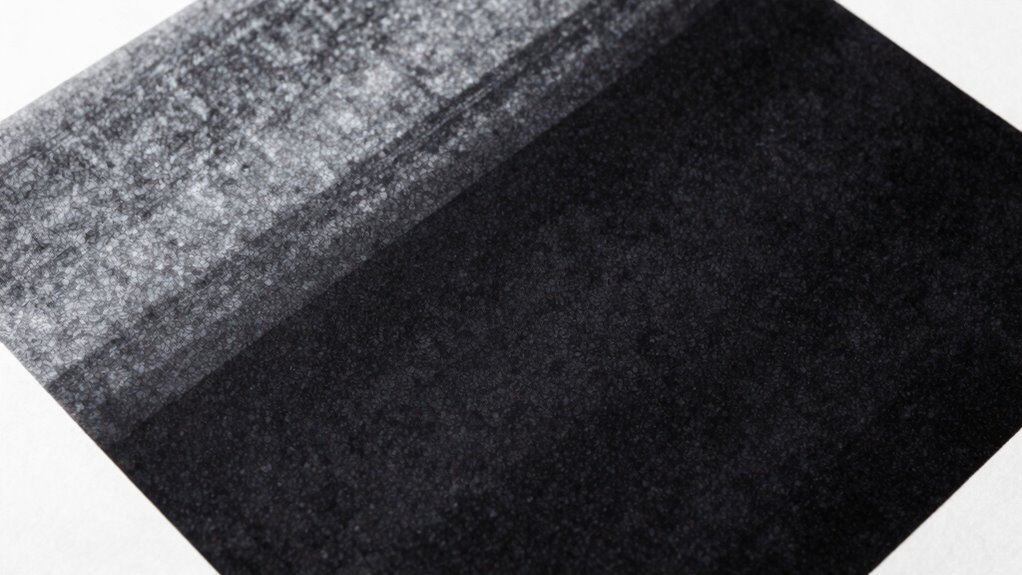
To achieve richer black output, you need to fine-tune your printer settings rather than relying on default options. Start with color calibration to guarantee your monitor and printer work harmoniously, providing accurate color representation. Check your printer’s color management settings and select the appropriate profile for deep blacks. Additionally, adjust the print quality and darkness levels—setting them higher can deepen the black tones. Pay attention to ink compatibility; using inks designed for black density can prevent dull or grayish blacks. Some printers offer specific settings or modes for printing deep blacks—activate these if available. Regular calibration and optimizing ink choices will help your printer produce vibrant, true blacks and avoid the dull, washed-out appearance. Furthermore, using manufacturer-recommended oil types can enhance overall performance and consistency in your printing process. It’s essential to ensure that you select the right lubricant specifications to maintain your printer’s functionality. Also, consider how ink quality affects output since high-quality inks can significantly improve the richness of blacks in your prints. Engaging in practices like mind-body healing can also help reduce stress during your printing tasks, leading to more focused and satisfying results. Remember that maintaining healthy boundaries in your printing environment can also contribute to better outcomes by minimizing distractions.
What Causes Dull Black Prints? Common Mistakes to Avoid

Sure! Here’s the revised content following your instructions:
—
Even with proper printer calibration and settings adjustments, you might still encounter dull black prints if you overlook common mistakes. One major culprit is poor color calibration, which can prevent your printer from accurately reproducing deep blacks. Make sure your device is properly calibrated to match your desired output standards. Another mistake is using incompatible inks or low-quality cartridges. Ink compatibility issues can result in inconsistent color density, leading to washed-out or grayish blacks. Additionally, using the wrong paper type or surface can affect how ink interacts with the material, diminishing black depth. Always verify that your inks are compatible with your printer and suited for your chosen paper. To enhance your printing experience, consider applying techniques similar to those used for grocery savings strategies, as they can help you optimize your resources effectively. Furthermore, using high-quality papers can significantly improve the color calibration process and ensure that blacks appear deeper and more vibrant. Avoid these pitfalls, and you’ll be better positioned to achieve richer, more vibrant blacks in your prints.
—
Let me know if you need any further modifications!
Techniques to Enhance Black Depth During Printing
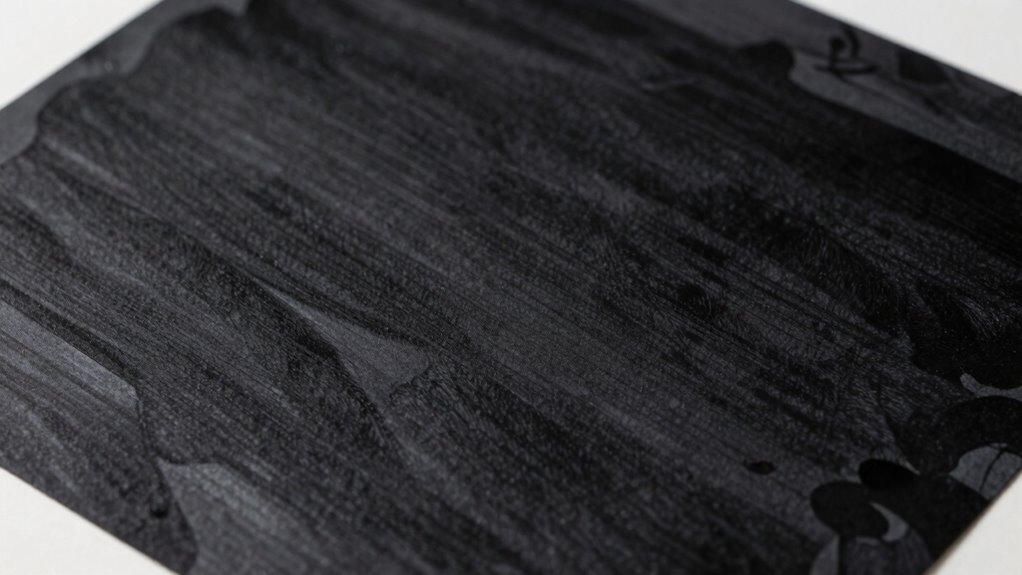
To achieve richer blacks in your prints, you should start by using a rich black mix instead of standard black ink. Next, adjusting your printer settings can help optimize ink deposition and improve depth. Additionally, understanding how AI technology can analyze print quality could offer new insights into achieving optimal results. Furthermore, incorporating chemical innovations can enhance the formulation of inks, leading to deeper, more vibrant blacks. Finally, controlling ink coverage guarantees you don’t over-apply or under-apply ink, resulting in deeper, more vibrant blacks. Additionally, consider exploring trusted resources that provide tips on enhancing print quality across various industries. Incorporating interactive murals can also inspire creative ways to display deep blacks in your wall art.
Use of Rich Black
Have you ever noticed how some blacks in printed materials appear richer and more intense than others? That’s often due to using rich black, a technique that boosts color saturation and deepens the overall tone. By combining black with small amounts of other colors like cyan, magenta, and yellow, you create a more vibrant, uniform black that looks deeper and more professional. The key is understanding ink formulation—carefully balancing the ratios so the black isn’t muddy or overly saturated. Using rich black can markedly enhance the depth of your prints without requiring changes to your printer settings. It’s a simple yet effective way to achieve a more striking, visually appealing black that stands out and looks consistently deep across different projects. Moreover, the choice of ethical printing practices can also play a significant role in how these colors are perceived and produced.
Adjust Printer Settings
Are your printed blacks lacking the depth you want? Adjusting your printer settings can make a significant difference. First, perform a proper color calibration to make sure your monitor and printer are aligned, creating accurate color output. Second, tweak the print quality settings to higher resolutions, which helps lay down ink more densely. Third, pay attention to ink formulation—using settings that maximize ink flow and saturation can deepen blacks. Some printers allow you to manually select a ‘dark mode’ or ‘enhanced black’ setting, which optimizes these parameters. Moreover, understanding color management systems can enhance your overall printing results. By fine-tuning these options, you guarantee your blacks appear richer and more solid, avoiding dull, grayish tones. Properly adjusting your printer settings is a simple yet powerful step toward achieving deep, true blacks in your prints.
Optimize Ink Coverage
Ever wonder how to make your blacks truly stand out? The key is optimizing ink coverage. Start by increasing ink saturation to guarantee your printer deposits enough ink to produce rich, deep blacks. But don’t overdo it; too much ink can cause smudging or paper warping. Next, use color calibration tools to fine-tune your printer’s settings. Proper calibration balances the ink layers, preventing dull grays and enhancing black depth. Consistent calibration across your workflow ensures your blacks stay consistently dark and vibrant. Remember, subtle adjustments in ink saturation combined with precise color calibration make a noticeable difference. These techniques help you achieve the deepest blacks possible, giving your prints that professional, high-quality look you’re aiming for. Additionally, consider incorporating herbal baths to promote relaxation, which can enhance your focus during the printing process.
Troubleshoot Gray Blacks: First Steps to Fix the Issue

Start by checking your ink levels; low ink can cause gray blacks. Then, review and adjust your printer settings to optimize black density. These quick steps can often improve the depth of your blacks without much hassle. Additionally, maintaining your gear can enhance print quality and consistency over time.
Check Ink Levels
To troubleshoot gray blacks effectively, your first step should be to check the ink levels in your printer. Low ink can cause dull, grayish blacks instead of deep, rich ones. Start by inspecting your ink cartridge; if any color levels are low or empty, replace or refill them. Also, verify your paper selection—using the wrong type can affect ink absorption and color output.
Here are key points to consider:
- Make sure all ink cartridges are sufficiently filled for consistent black density.
- Replace any cartridges that are almost empty or have uneven ink distribution.
- Use high-quality, compatible paper to maximize ink absorption and color depth.
Keeping ink levels adequate and choosing the right paper are essential steps before adjusting printer settings.
Adjust Printer Settings
Adjusting your printer settings can profoundly improve the depth and richness of blacks in your prints. Start by selecting the right ink color profile; switching to a high-quality, photo or matte setting can enhance black tones. Also, consider adjusting the print quality to a higher setting for better ink application. Paper texture plays a role too—using thicker or coated paper allows for better ink absorption, resulting in deeper blacks. Check if your printer offers color management options or custom color profiles that optimize black ink output. Make certain your printer is set to use the appropriate paper type, as this influences ink color rendering. These adjustments help ensure your blacks are rich, deep, and true to the original image.
Maintain Consistent Deep Black Quality Over Time

Maintaining consistent deep black quality over time requires careful calibration and monitoring of your printing process. To achieve reliable results, focus on ensuring black ink compatibility with your printer and paper type. Changes in paper absorption can affect black density and tone, so use the same paper stock for consistency. Here are key tips:
- Regularly calibrate your printer to maintain ideal settings for deep blacks.
- Use high-quality, compatible black ink cartridges that suit your printer.
- Stick to the same paper type to prevent variations caused by different absorption rates.
When to Consider Professional Printing for Perfect Blacks
While fine-tuning your home setup can produce impressive deep blacks, there are moments when professional printing offers the best results. If you need consistent, rich blacks for large or critical projects, consider professional services. They excel in precise color calibration and choosing the right paper texture, guaranteeing your blacks stay deep and uniform. When your prints require accurate color matching or you’re working with complex gradients, professionals can optimize these factors beyond home capabilities. Additionally, if you’re printing on specialty papers or seeking archival quality, professional printers deliver superior results. Use the table below to identify when professional printing is the best choice:
| Situation | Why It Matters |
|---|---|
| Large-scale prints | Ensures consistent deep blacks |
| Critical color accuracy | Achieved through expert calibration |
| Specialty paper use | Professional printers handle diverse textures |
Frequently Asked Questions
Can Ink Type Affect the Depth of Black in Prints?
Yes, ink type markedly affects the depth of black in prints. Different ink formulations have varying pigment concentrations, which influence how rich and deep your blacks appear. Additionally, paper absorption plays a role; if the paper absorbs ink too quickly or unevenly, it can result in dull, grayish blacks instead of deep, vibrant ones. Choosing the right ink formulation and compatible paper helps achieve those deep, true blacks you desire.
How Does Ambient Lighting Influence Perceived Black Quality?
Think of ambient lighting as the stage setting for your prints; it dramatically shapes how you perceive black quality. In dim lighting, blacks appear richer and more profound, boosting perceived contrast. Bright or harsh light, however, washes out depth, making blacks look dull or gray. To truly enjoy deep blacks, control your ambient lighting—so your prints can shine in their full, dark glory.
Are There Specific Printer Brands Better for Deep Black Prints?
You’ll find that certain printer brands excel at producing deep black prints. Look for brands known for high color saturation and consistent ink application, such as Epson and Canon. These printers handle different paper textures well, enhancing black depth. Choosing a model with advanced ink technology guarantees richer blacks, especially on textured or glossy papers. Investing in quality printers makes a noticeable difference in achieving truly deep, vibrant blacks.
What Role Does Ink Drying Time Play in Black Appearance?
Think of ink drying time like a painter’s brushstroke—patience reveals the true depth. If you rush, ink won’t fully absorb into the paper, causing dull blacks. Proper ink drying depends on ink absorption and paper coating; glossy papers dry faster but can trap ink, dulling blacks. Allow sufficient drying time to let the ink settle, ensuring your blacks stay rich, deep, and vibrant.
How Often Should I Calibrate My Printer for Optimal Black Output?
You should calibrate your printer regularly, ideally every few weeks or after significant ink or media changes, to maintain ideal black output. Regular calibration ensures color consistency across prints, preventing blacks from appearing gray or washed out. It also helps improve print longevity by optimizing ink distribution and adhesion. Consistent calibration keeps your black tones deep and rich, so your prints look professional and vibrant over time.
Conclusion
Remember, achieving deep blacks is like tending a garden—you must regularly nurture and fine-tune your techniques. Don’t settle for dull, gray results that diminish your work’s impact. Instead, embrace patience and precision, understanding that even the darkest night can be illuminated with the right care. With consistent effort and attention, your prints will shine as brightly as a star’s true light, revealing the vivid depth you’ve always aimed to capture.