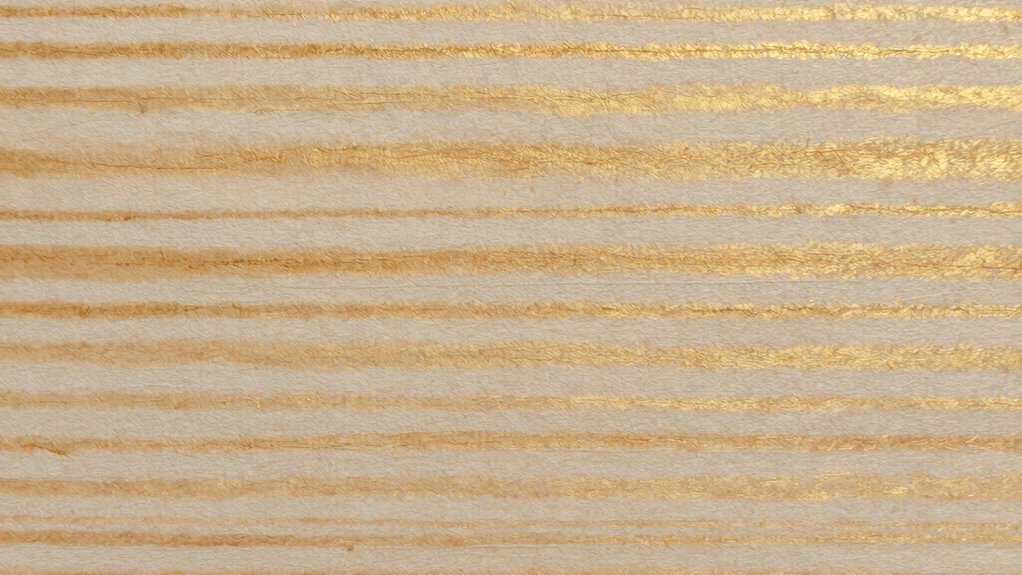
To spot common print defects quickly, you need to recognize banding, bronzing, and metamerism. Banding shows as streaks or uneven lines caused by inconsistent ink flow or calibration issues. Bronzing appears as a metallic sheen, often due to reflective ink or substrate choices. Metamerism makes colors look different under various light conditions, caused by incompatible inks or materials. Mastering these signs helps you prevent costly reprints—if you want to learn more, you’ll find helpful insights below.
Key Takeaways
- Recognize banding as uneven streaks caused by inconsistent ink distribution or calibration issues in printing.
- Identify bronzing by its metallic sheen, often resulting from reflective inks or surface interactions.
- Detect metamerism when colors appear correct under one light but change under different lighting conditions.
- Regularly inspect prints under various lighting to quickly spot surface defects and color mismatches.
- Prevent these defects through proper equipment calibration, substrate selection, and controlling environmental factors.

Nix Spectro 2 Spectrophotometer – Professional and Portable Color Measurement for Print, Packaging, Paint, Coatings and More
- Flagship Spectrophotometer: Professional color measurement tool
- High-Speed Scanning: Scans at 1/sec across 31 channels
- Comprehensive Color Recognition: Recognizes CMYK, RGB, HEX, and Ink Density
As an affiliate, we earn on qualifying purchases.
As an affiliate, we earn on qualifying purchases.
What Are Banding, Bronzing, and Metamerism in Printing?
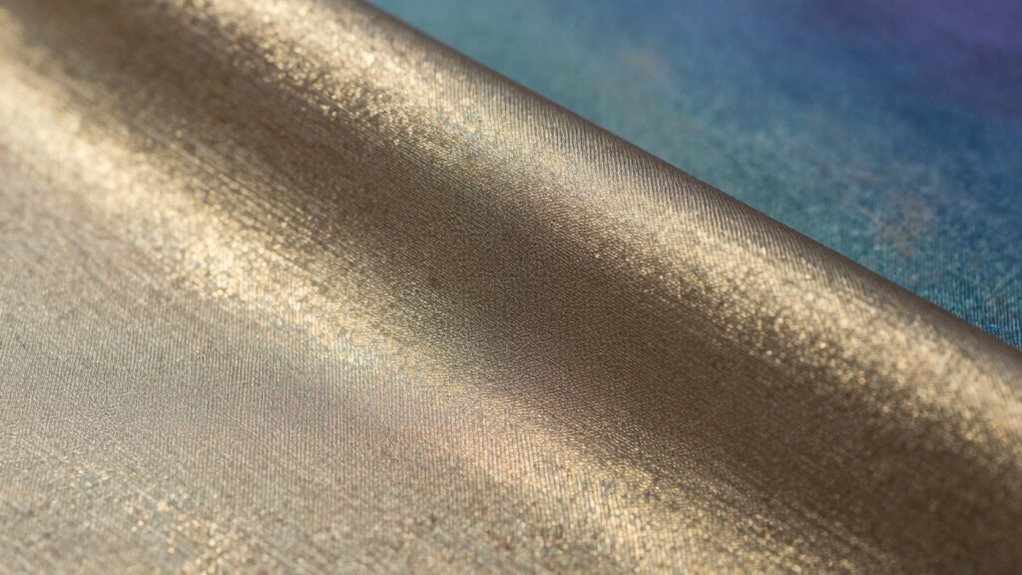
Have you ever noticed uneven lines or color shifts in printed material? That’s often a sign of banding, which disrupts color consistency across the page. You might also see bronzing, where a metallic sheen appears on the surface, giving the print an uneven surface sheen and dull or shiny patches. Metamerism can cause colors to look correct under one light but drastically change under another, confusing your perception of color accuracy. These defects often stem from inconsistent ink application or uneven surfaces, affecting both surface sheen and color consistency. Recognizing these issues early helps you address underlying problems in your printing process, ensuring your final product maintains uniformity and visual appeal.

Speedball Water-Soluble Metallic Block Printing Ink Set – 4 Iridescent Colors With Satiny Finish – 1.25 FL OZ Tubes
- Lightfast Iridescent Colors: Silver, gold, pewter, copper inks
- Rich Satiny Finish: Dries to a smooth, shiny surface
- Suitable for Various Surfaces: Linoleum, wood, Speedy-Cut, Polyprint
As an affiliate, we earn on qualifying purchases.
As an affiliate, we earn on qualifying purchases.
How to Recognize Common Printing Defects and Their Causes

You can spot ink distribution issues when colors appear uneven or streaked across the print. Equipment malfunctions often cause defects like blurred images or misaligned elements. By paying attention to these signs, you can identify whether uneven ink flow or machine problems are behind the defects. Additionally, understanding contrast ratios can help you recognize how variations in print quality may affect overall image sharpness and clarity. In this landscape of evolving technology, digital concepts like adaptive content formats can also play a role in refining print quality and enhancing the overall user experience.
Ink Distribution Irregularities
Ink distribution irregularities often manifest as uneven color application across the printed surface, making them a common defect to identify during quality checks. These issues can result from inconsistent ink flow, improper press settings, or uneven substrate absorption. Using eco-friendly inks can sometimes contribute to distribution problems if not formulated properly, so ensuring compatibility with your printing process is key. Additionally, keeping pets safe from environmental stressors during printing processes can help maintain a focused work environment. Advanced color management techniques help minimize irregularities by precisely controlling ink flow and color consistency throughout the run. If you notice patchy areas, streaks, or uneven shades, it’s a sign to evaluate your ink delivery system and adjust settings accordingly. Recognizing these irregularities early allows you to correct issues before they affect large print runs, ensuring a consistent, high-quality output. Moreover, understanding the theme of uncertainty in various contexts can enhance your ability to troubleshoot effectively. Furthermore, the integration of AI trends into printing technology can lead to more precise control over ink distribution. Additionally, maintaining a healthy indoor environment can also play a crucial role in preserving the quality of your printed materials, as factors like humidity and dust can influence ink performance.
Equipment Malfunctions
How can you tell if equipment malfunctions are causing print defects? Look for inconsistencies in color consistency across the print. Equipment issues often cause uneven color application, leading to patches or streaks. Check the print resolution; if images appear blurry or details are lost, it could indicate malfunctioning hardware like worn-out rollers or misaligned printheads. Sudden changes in quality or recurring marks may also point to mechanical problems. Keep an eye on the printer’s calibration and maintenance records, as neglected equipment can cause ongoing defects. Regularly inspecting and maintaining your equipment helps prevent these issues and guarantees consistent, high-quality output. Recognizing signs early allows you to address malfunctions before they considerably impact print quality.

datacolor SpyderPrint Printer Color Calibration & Profiling Tool
- Fast and Accurate Profiling: Creates custom profiles in minutes with easy targets
- Enhanced User Experience: Intuitive step-by-step profile creation without manual
- Precise Print Evaluation: SpyderProof images for detailed print assessment
As an affiliate, we earn on qualifying purchases.
As an affiliate, we earn on qualifying purchases.
What Causes Banding and How to Prevent It?

Banding often happens due to inconsistent ink distribution, printer calibration issues, or variations in paper quality. When your printer isn’t properly calibrated or if the paper isn’t uniform, streaks or bands can appear in your prints. To prevent this, regularly calibrate your printer and choose high-quality, consistent paper to guarantee smooth, even results. Additionally, monitor heat buildup in your printing environment, as excessive heat can further exacerbate banding issues. Understanding printer calibration is essential for achieving optimal print quality.
Inconsistent Ink Distribution
Inconsistent ink distribution often results from uneven application of ink across the printing surface, leading to visible streaks or bands in the final print. Poor ink flow can cause fluctuations in the amount of ink delivered, disrupting color consistency. When ink flow is inconsistent, certain areas receive too much ink, causing blobs or darker bands, while others get too little, resulting in faded patches. To prevent this, regularly maintain your ink delivery system, ensuring smooth and steady ink flow. Use high-quality inks compatible with your printer, and avoid abrupt changes in printing speed or pressure. Properly cleaning print heads and ensuring even ink reservoir levels also promote uniform application. These steps help maintain color consistency and reduce the risk of banding caused by inconsistent ink distribution.
Printer Calibration Issues
Printer calibration issues are a common cause of banding in printed materials, often stemming from misaligned or outdated settings. When your printer isn’t properly calibrated, it struggles to maintain color consistency across the entire print, resulting in visible lines or bands. One key factor is print resolution; if the resolution isn’t set correctly for the project, it can lead to uneven ink distribution and noticeable streaks. Regularly calibrate your printer to guarantee the color output matches your expectations and maintains consistency. This involves adjusting color profiles, print head alignment, and resolution settings. Proper calibration prevents the printer from producing unintended banding, ensuring smooth gradations and professional-looking results. Staying on top of calibration is essential for high-quality, consistent prints.
Paper Quality Variations
Have you ever noticed streaks or uneven color distribution in your prints? These issues often stem from paper quality variations. Differences in paper texture can cause inconsistent absorption of ink, leading to banding or streaks. Coating differences, such as uneven or damaged coatings, also contribute to print defects by affecting how ink sits on the surface. To prevent this, consider the following:
- Use high-quality, uniform paper with consistent texture
- Check for coating integrity before printing
- Store paper properly to avoid moisture or dust affecting coating and texture

30X Loupe Magnifier Loop Magnifying Glass Jewelry Coins Supplies
- Rechargeable Battery: Includes micro USB charging cable
- Durable Metal Construction: Zinc alloy with black finish
- High Magnification: 30x magnification with 1-inch lens
As an affiliate, we earn on qualifying purchases.
As an affiliate, we earn on qualifying purchases.
Understanding Bronzing: Causes and Solutions
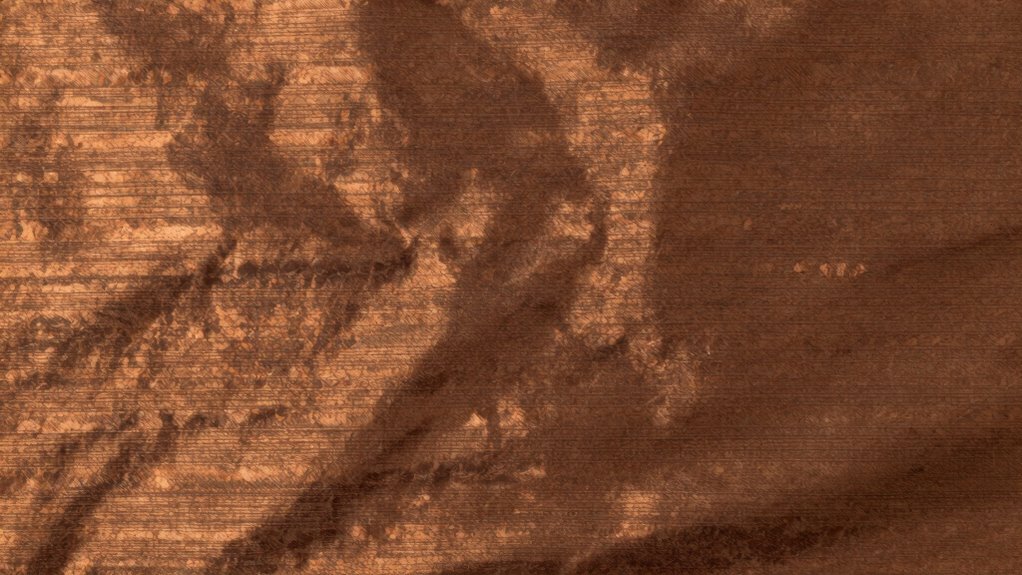
What exactly causes bronzing on printed materials? It happens when the ink’s reflective qualities alter the way light interacts with your print, creating a metallic sheen. Poor color consistency across the print job can intensify this effect. One key factor is substrate selection; some papers or materials reflect light differently, making bronzing more prominent. To prevent this, choose substrates with smooth, non-reflective surfaces that support even ink absorption. Adjusting ink formulations and drying conditions can also help mitigate bronzing. Ensuring consistent ink coverage and proper curing reduces the chances of metallic or uneven appearances. By controlling these variables, you improve the overall look of your print, avoiding the unwanted shiny or metallic finish associated with bronzing. Additionally, implementing daily startup ideas can inspire innovative solutions to mitigate such defects in your printing process. Understanding good substrate selection can also significantly minimize the occurrence of bronzing by ensuring optimal ink application.
What Is Metamerism and When Does It Happen in Printing?
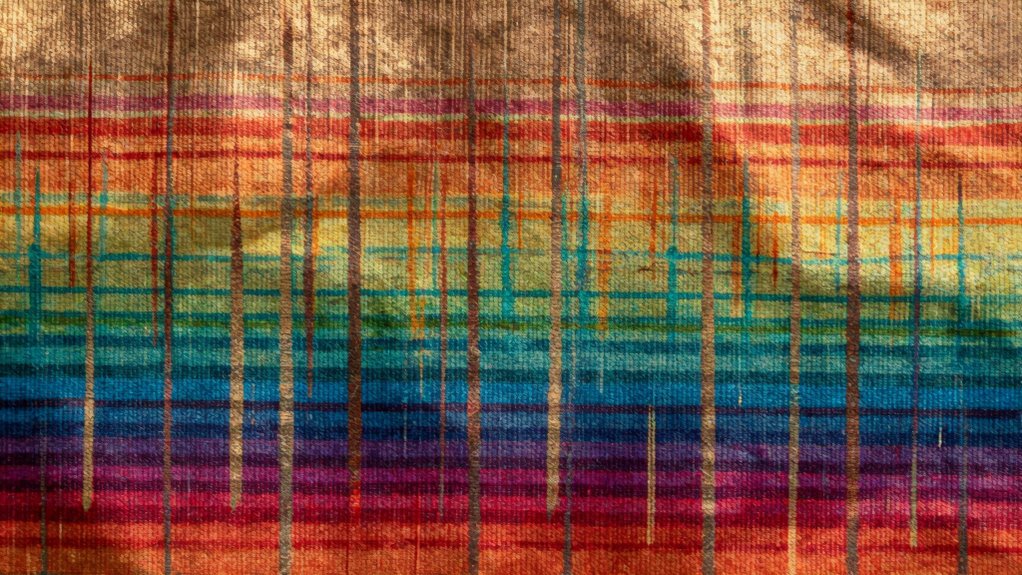
Metamerism occurs when two colors appear to match under one lighting condition but look different under another. This phenomenon can cause serious issues in color matching, especially if your printed material is viewed in various environments. It happens because of differences in lightfastness and how colors reflect light. When colors are metameric, they match perfectly in controlled lighting but diverge elsewhere, leading to inconsistent appearances. To prevent this, guarantee your inks and materials have consistent lightfastness qualities. Be aware of these key points:
- Variations in lighting can reveal metameric mismatches
- Poor lightfastness increases the risk of color shifts over time
- Accurate color matching requires testing under multiple lighting conditions
Understanding when and why metamerism occurs helps you maintain color consistency across all viewing environments. Additionally, fostering a positive abundance mindset can enhance your creative process and improve overall satisfaction with your printed results.
How Do These Printing Defects Differ and How to Spot Them?
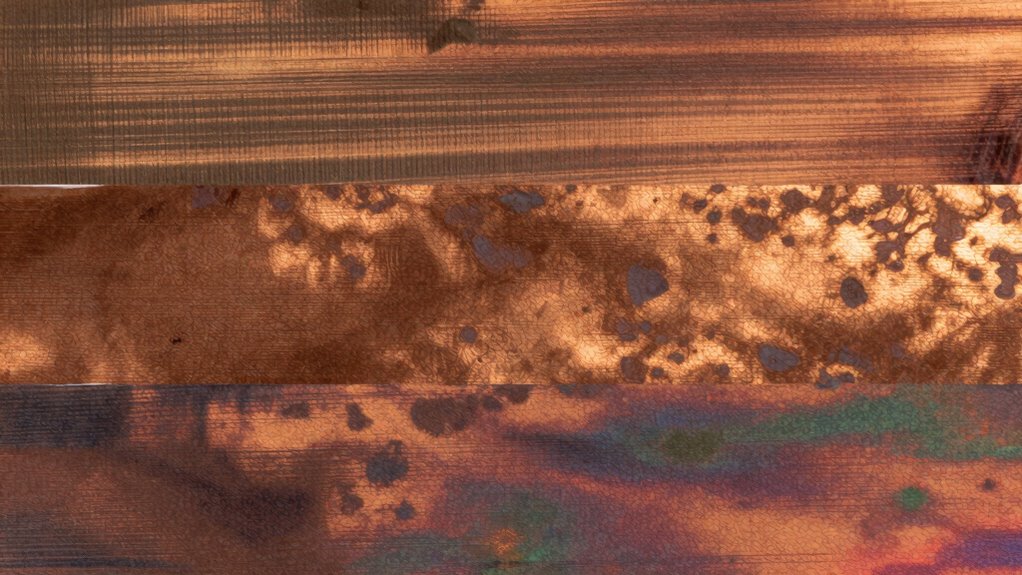
Printing defects can often be confused because they may look similar at first glance, but each has distinct characteristics and causes. For example, banding appears as horizontal lines across the print, disrupting color consistency and reducing overall print quality. Bronzing creates a metallic sheen that can alter the perceived color and surface finish, making it look uneven. Metamerism involves a color shift under different lighting conditions, affecting color consistency but not always visible in the same environment. To spot these defects, examine prints under various lighting and angles, paying attention to uniformity and surface texture. Recognizing these differences helps you identify the specific issue, ensuring you maintain high print quality and avoid costly reprints.
Practical Tips to Prevent and Fix Printing Defects
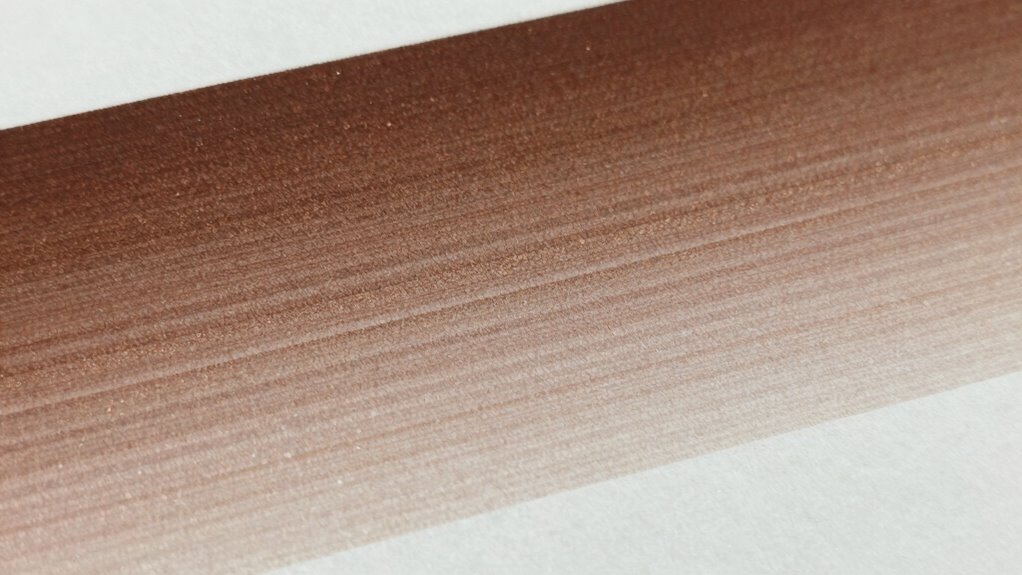
To prevent and fix printing defects effectively, you need to adopt a proactive approach and pay close attention to the details of your printing process. Ensuring color consistency is key, so regularly calibrate your equipment and monitor color profiles throughout production. Proper substrate selection also plays an essential role; choose materials suited for your printing method to prevent issues like bronzing or banding. Additionally, control environmental factors such as temperature and humidity to maintain print quality.
Proactively calibrate equipment, choose compatible substrates, and control environmental conditions to prevent and resolve printing defects effectively.
- Regularly calibrate printers and color management systems
- Select substrates compatible with your ink and printing process
- Maintain consistent environmental conditions during printing
When to Consult Experts for Persistent Printing Problems
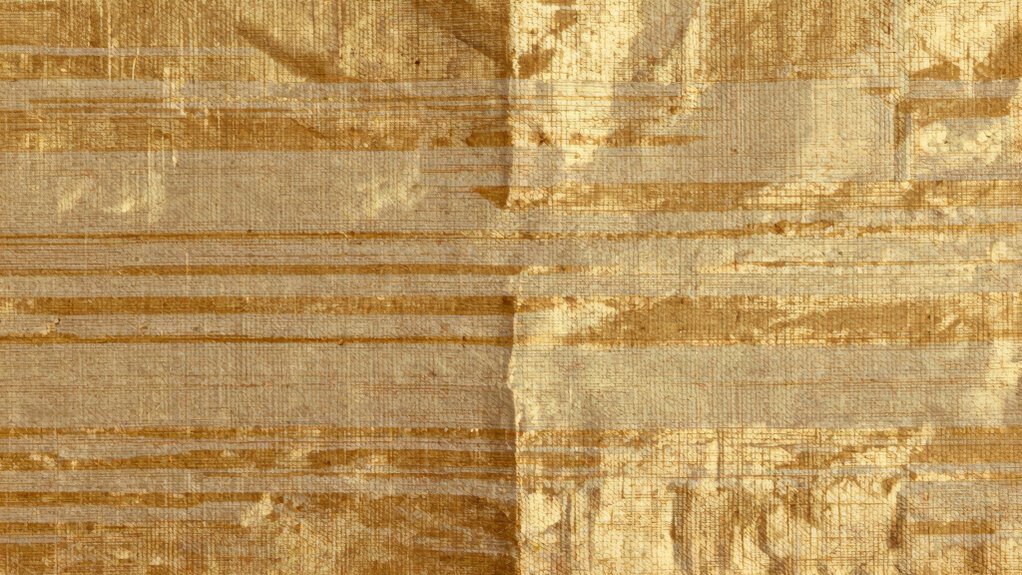
When persistent printing issues arise despite following best practices, it’s a clear sign you should seek expert assistance. If problems like banding, bronzing, or metamerism continue, a specialist can analyze the root causes, considering color theory and print material. Understanding how print materials interact with ink and light is vital for correcting stubborn defects. If color inconsistencies or unwanted effects persist after troubleshooting, experts can recommend adjustments in color management or suggest suitable print materials. Sometimes, issues stem from subtle factors like ink compatibility or substrate properties, which require specialized knowledge. Consulting professionals ensures you get targeted solutions tailored to your specific printing setup, preventing costly trial-and-error and achieving consistent, high-quality results. Additionally, just as in hydrotherapy techniques, proper analysis of your printing environment can greatly enhance the final output quality. Effective traceability practices in your printing process can also play a crucial role in identifying and resolving these persistent issues. Furthermore, understanding ethical consumer choices can help ensure that you select printing materials and services that align with your values.
Frequently Asked Questions
How Do Environmental Conditions Influence Banding and Bronzing in Print Jobs?
Environmental conditions, especially in your print environment, greatly influence banding and bronzing. High humidity levels can cause ink to spread unevenly, leading to banding, while low humidity can result in poor ink adhesion and bronzing. Maintaining proper humidity control guarantees consistent ink drying and adhesion, reducing these defects. By monitoring and adjusting your print environment, you can prevent these issues and achieve high-quality, uniform prints.
Can Different Paper Types Affect the Appearance of Metamerism?
Yes, different paper types can dramatically affect how metamerism appears. Imagine your print transforming like a chameleon under different lights—that’s what varying paper textures and finishes can do. Smooth, glossy papers tend to hold color consistency better, reducing the risk of color shifts, while textured or matte papers can exaggerate color differences, making metamerism more pronounced. So, choosing the right paper is essential for color accuracy and visual harmony.
Are There Specific Printer Models More Prone to These Defects?
Certain printer models are more prone to defects like banding, bronzing, and metamerism, especially if they lack proper calibration. You should make sure your printer is regularly calibrated to maintain color accuracy and consistency. Additionally, ink durability impacts defect susceptibility; low-quality inks may increase these issues. Investing in high-quality printers with good calibration features and durable inks helps minimize these defects, ensuring your prints look vibrant and true to color.
How Does Ink Formulation Impact the Likelihood of Bronzing?
Imagine a shimmering surface that catches the light differently at every turn—that’s bronzing. Ink chemistry and pigment stability directly influence this effect; unstable pigments or formulations lacking proper binding agents can cause uneven light reflection. When ink isn’t formulated for stability, it’s more prone to metallic, bronzed surfaces. To avoid this, choose inks with well-balanced chemistry and stable pigments that resist environmental changes, ensuring your prints stay vibrant and true to color.
What Are the Long-Term Effects of Unresolved Banding on Print Quality?
Unresolved banding can severely impact your print quality over time. It causes inconsistent color, making your prints look unprofessional and damaging your brand’s reputation. As the ink ages, these imperfections become more noticeable, further reducing color consistency. Long-term, unresolved banding can lead to costly reprints and increased waste. To avoid these issues, address banding early, ensuring vibrant, uniform prints that maintain quality throughout their lifespan.
Conclusion
Understanding banding, bronzing, and metamerism helps you spot and fix printing issues early on. By knowing their causes and differences, you can take proactive steps to prevent these defects and guarantee high-quality results. When problems persist, don’t hesitate to seek expert advice—your project’s success depends on it. After all, isn’t it worth investing a little extra effort to achieve flawless prints that truly stand out?