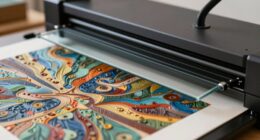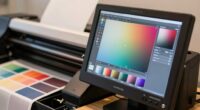
Printer profiles, especially ICC profiles, are tools that help your computer and printer communicate clearly to produce accurate colors. They guarantee your prints match the colors you see on screen by matching the printer’s capabilities with the paper and inks used. Using the right profile prevents dull or off-color results. If you want to learn how to choose, set up, and fix common issues with profiles, there’s more to discover below.
Key Takeaways
- Printer profiles, or ICC profiles, ensure accurate color reproduction by matching printer output to specific media and ink types.
- They act as translation tools, aligning digital images with the printer’s color capabilities for true-to-life colors.
- Proper profiles improve color consistency, vibrancy, and fidelity across different papers, materials, and environmental conditions.
- Selecting the right profile and calibrating your devices helps prevent color mismatches and enhances print quality.
- Regular updates and test prints are essential for maintaining accurate, durable, and professional print results.

140mlx4 Clog-Free T49M Sublimation Ink Compatible with Epson SureColor F170 F570 Sublimation Printer | ICC-Free | Leak-Proof Design | Vivid Color & Anti-Fade Guaranteed | Fast-Drying(B/C/M/Y)
Compatible with: Epson SureColor F100/170/500/501/570/570 Pro/571 and F130/530/531/160/560/561 Dye-Sublimation Printer. No firmware conflicts and ink waste, just pro…
As an affiliate, we earn on qualifying purchases.
As an affiliate, we earn on qualifying purchases.
Why Do My Prints Look Wrong? Understanding Printer Profiles
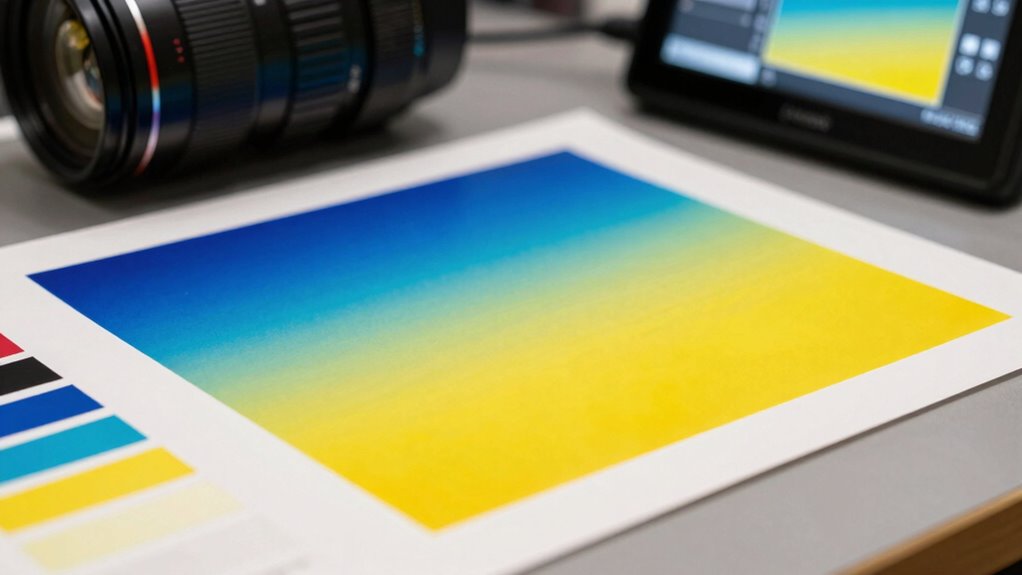
If your prints don’t match what you see on your screen, it’s often because your printer isn’t using the correct profile. Printer profiles help your device interpret colors accurately, but they also influence how ink formulation interacts with paper textures. Different papers absorb ink differently and have unique surface qualities, which can cause color shifts if the profile isn’t suited. For example, glossy paper reflects light differently than matte, affecting how colors appear. If your profile doesn’t account for these factors, your prints may look dull, too vibrant, or off-color. Ensuring you select the right profile for your specific paper type and understanding how ink formulation works with various textures is key to getting consistent, accurate prints. Additionally, knowing about water chemistry can help you understand how different elements may affect your print quality. Understanding ethical consumerism can also guide you in choosing high-quality materials that enhance print results, as emerging technologies continue to shape the way we approach color management in printing. Moreover, investing in workspace and tech gear can provide you with tools that streamline the printing process and improve overall quality. Furthermore, maintaining good indoor air quality by minimizing microplastics in dust can contribute to a healthier printing environment, which may indirectly improve your overall print quality.

Liene M100 4×6'' Photo Printer, Phone Printer 100 Sheets & 3 Cartridges, Full-Color Photo, Portable Instant Photo Printer for iPhone Android, Thermal Dye Sublimation, Wi-Fi Picture Printer 100 Papers
User-Friendly Portable Photo Printer for iPhone, Android & PC – Get beautiful and colourful memories with Liene 4×6…
As an affiliate, we earn on qualifying purchases.
As an affiliate, we earn on qualifying purchases.
How Do ICC Profiles Help Get Accurate Colors?
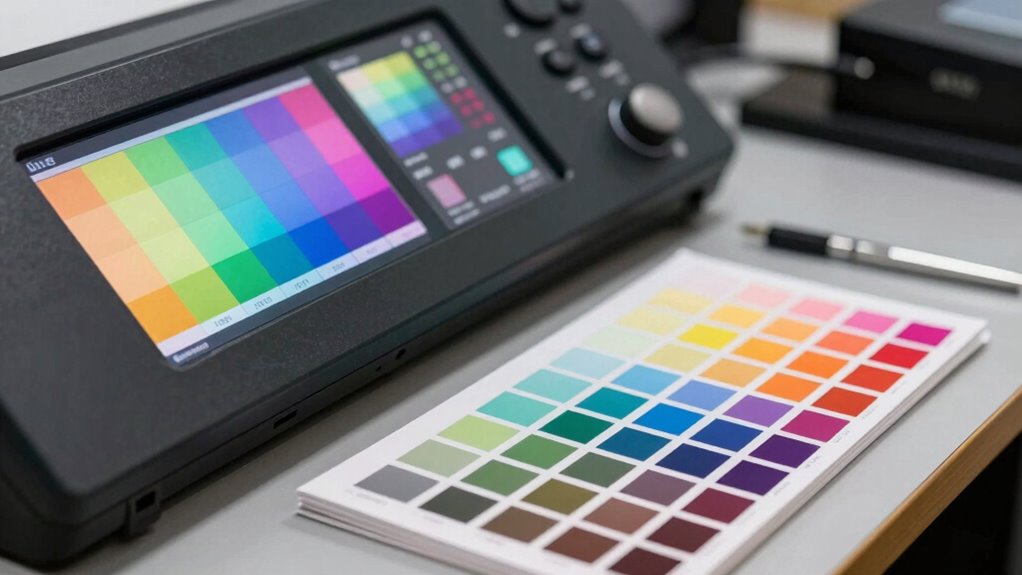
ICC profiles act as precise translation tools between your digital image and your printer’s capabilities. They guarantee colors are reproduced accurately by matching the color gamut of your device with the printer’s output. Proper profile calibration aligns the ICC profile with your specific printer and paper combination, reducing color discrepancies. This calibration guarantees that the colors you see on your screen closely match the printed result. Additionally, maintaining color accuracy is essential not just for prints but also in ensuring vibrant displays in various viewing environments. Understanding the role of information structures in digital content can further optimize your design process. The use of synthetic lubricants can also enhance performance in printing machinery, contributing to overall reliability. Furthermore, the preservation of historical artifacts through advanced techniques can be compared to the meticulous nature of color management in printing. The table below highlights key aspects:
| Aspect | Effect | Importance |
|---|---|---|
| Color Gamut | Defines printable colors | Ensures vibrant, true-to-life prints |
| Profile Calibration | Fine-tunes ICC profiles for accuracy | Prevents color shifts |
| Color Matching | Aligns digital and printed colors | Achieves consistent results |
| Device Variability | Accommodates different printer setups | Maintains color integrity |
Using ICC profiles helps you achieve consistent, accurate colors in every print. Additionally, understanding digital content formats can enhance how you manage your color workflows.

HP Color LaserJet Pro MFP 3301sdw Wireless All-in-One Color Laser Printer, Office Printer, Scanner, Copier, ADF, Duplex, Best-for-Office (499Q3F)
FROM AMERICA'S MOST TRUSTED PRINTER BRAND – Perfect for small teams printing, scanning and copying professional-quality color documents…
As an affiliate, we earn on qualifying purchases.
As an affiliate, we earn on qualifying purchases.
Printer Profiles vs. Color Settings: What’s the Difference?
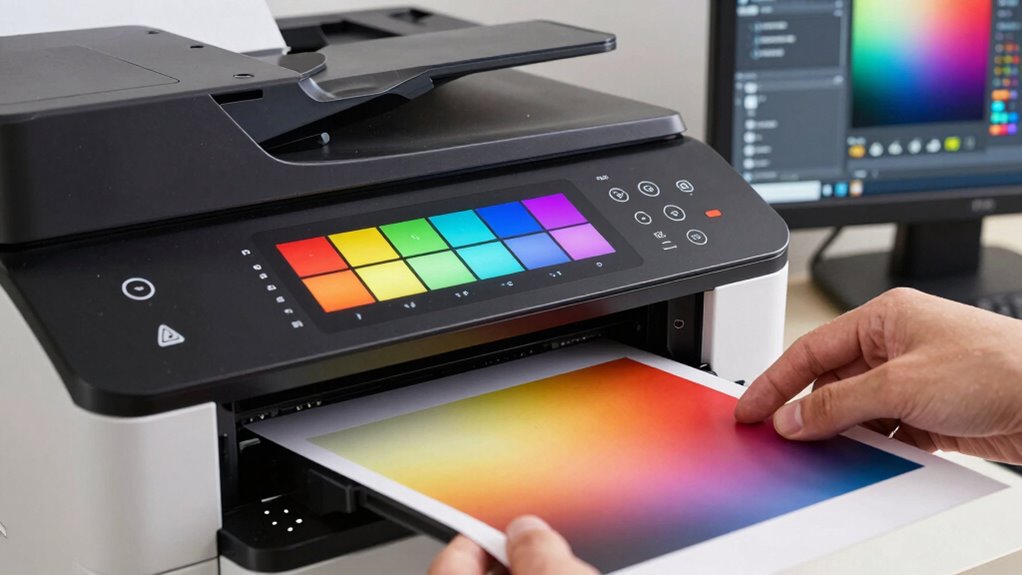
Ever wonder how printer profiles differ from color settings? Printer profiles are detailed files that describe how your printer interacts with specific paper textures and ink types. They guarantee colors are reproduced accurately by accounting for ink compatibility and paper surface characteristics. Color settings, on the other hand, are adjustments made within your software or operating system to control how colors are viewed or printed. While color settings influence the overall color management, printer profiles provide the precise data needed for the printer to produce consistent results on different media. Fundamentally, printer profiles tailor the printing process to specific paper textures and ink compatibility, ensuring your prints match your expectations. Knowing the difference helps you optimize print quality for every project. Additionally, understanding how puppy care essentials can enhance your appreciation for precision in other fields, such as printing. To achieve optimal results, it’s crucial to consider filter sizing and flow when selecting paper and ink combinations for your printer.

Koala Heavyweight Photo Paper High Glossy 8.5×11 Inches for Inkjet Printing 100 Sheets 61LB
Single-Sided White Glossy Smooth Finish, 8.5×11 inch Sheet Size, 100 Sheets/pack, Thick 230gsm(61lb) Heavyweight Photo Paper, No watermark…
As an affiliate, we earn on qualifying purchases.
As an affiliate, we earn on qualifying purchases.
Choosing the Right Printer Profile for Your Projects
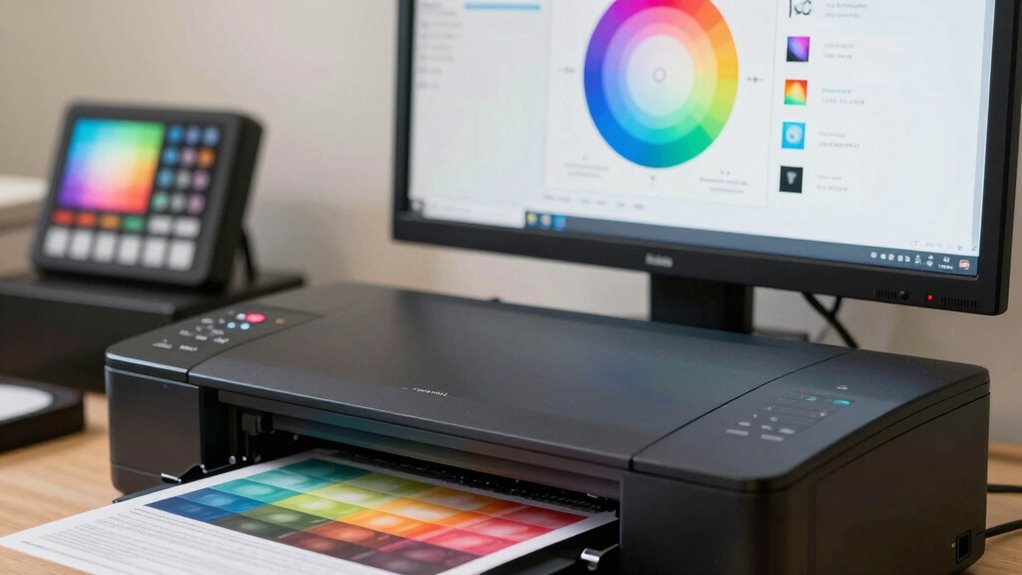
Choosing the right printer profile depends on ensuring your printer is compatible with your device and software. You also want to take into account color accuracy to match your project’s needs. Additionally, aligning the profile with your project type helps achieve the best results. Understanding color accuracy standards can further enhance the outcome of your printing projects. Using the right data storage solution can also help you manage and preserve your digital assets efficiently. Incorporating high-capacity devices can also optimize your workflow and improve overall efficiency.
Printer Compatibility Tips
How do you guarantee your prints match your expectations? The key is confirming your printer profile is compatible with your project. First, check your paper types—using the right profile for matte, glossy, or fine art papers ensures color and detail accuracy. Additionally, incorporating the right performance parts can significantly enhance your overall printing experience. Second, verify ink compatibility; different printers use various ink sets, so selecting a profile designed for your specific inks prevents color shifts and quality issues. Always match your profile to your chosen media and ink combination. Furthermore, understanding door swings can inspire you to explore different printing techniques and profiles that you may not have considered before. Additionally, update your printer drivers and ICC profiles regularly to maintain compatibility. By paying attention to these details, you minimize surprises, achieve consistent results, and make the most of your printer’s capabilities. Understanding media literacy can also help you discern the quality of different printing sources and resources. Furthermore, the principles of mind-body healing can enhance your focus and creativity when selecting the right profiles for your projects.
Color Accuracy Considerations
Selecting the right printer profile is essential for achieving accurate colors in your prints. The color gamut of a profile determines the range of colors it can reproduce, directly impacting color fidelity. If your project requires vibrant, saturated hues, choose a profile with a wide color gamut. Additionally, consider the ink formulation used by your printer. Different inks have unique properties that affect color reproduction and longevity. A profile tailored to your specific ink formulation guarantees colors are consistent and true to your original intent. Mismatched profiles can lead to dull or inaccurate colors, compromising your work’s quality. By understanding the interplay between color gamut and ink formulation, you can select a printer profile that provides precise, vibrant, and reliable color accuracy for your projects. Furthermore, ensuring your prints resonate with viewers can be akin to how animated movies that touch hearts evoke emotions through their storytelling. Effective color management, akin to talent retention strategies, is crucial in maintaining the integrity of your prints and ensuring consistent results. Additionally, home safety tips can enhance your workspace by ensuring that your printing area is secure and organized, further supporting your creative process. A thorough understanding of product roundups can help you make informed decisions when selecting printing supplies that align with your needs.
Project Type Alignment
Aligning your printer profile with your project type guarantees that your output meets specific quality and durability requirements. To do this effectively, consider material selection, as different substrates like paper, canvas, or vinyl demand tailored profiles. The print environment also plays an essential role; factors such as lighting, humidity, and temperature can affect color consistency and material performance. Choosing the right profile guarantees vibrant colors, sharp details, and lasting results, especially for professional prints or archival pieces. For instance, fine art projects require profiles that preserve subtle color gradations, while banners need profiles optimized for durability. By matching your printer profile to your project type, material, and environment, you assure your prints meet expectations every time.
Troubleshooting Common Printer Profile Problems
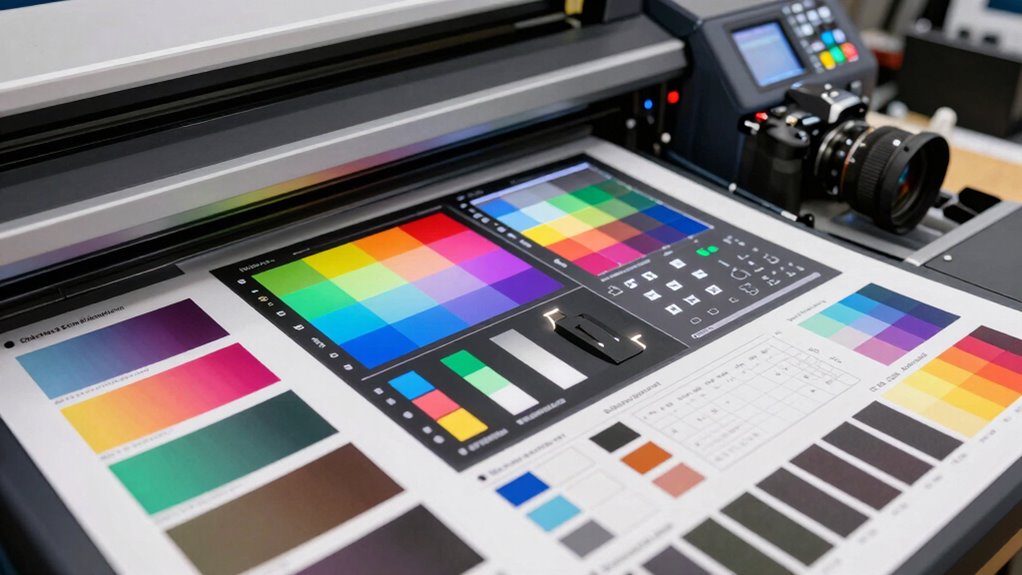
When your prints don’t match expected colors, the issue might be caused by color mismatch or profile compatibility problems. You may also need to check and correct calibration errors to guarantee consistent results. Addressing these common issues helps you achieve accurate and reliable print outputs.
Color Mismatch Causes
Color mismatches often occur because the printer profile doesn’t accurately reflect the printer’s capabilities or the specific media you’re using. This mismatch can lead to colors appearing off, especially if ink saturation isn’t properly calibrated or if the paper texture isn’t considered. To troubleshoot, check these common causes:
- Inaccurate color settings – Ensure your profile matches the media and ink type.
- Incorrect ink saturation levels – Too much ink causes colors to look oversaturated; too little, dull.
- Ignoring paper texture – Rough or textured paper absorbs ink differently, affecting color accuracy.
- Profile mismatch – Using a profile designed for different media or printer settings causes color shifts.
Addressing these issues helps your ICC profile produce more precise, consistent colors.
Profile Compatibility Issues
Even with the right profile, compatibility issues can still cause color inaccuracies. Profile mismatches often occur when the ICC profile doesn’t match your printer or workflow, leading to unexpected color shifts. Software compatibility also plays a role; if your editing or printing software doesn’t support certain profiles or updates, it can prevent proper color management. Ensuring your printer, software, and ICC profiles are compatible is vital. Always verify that the profile is designed for your specific printer model and media type. Keep your software up to date, and double-check that your color management settings align across all programs. Mismatched profiles or incompatible software can undermine even the best profiles, so it’s essential to troubleshoot these issues to maintain accurate, consistent color output.
Fixing Calibration Errors
Calibration errors are a common cause of color inaccuracies, and addressing them promptly can save you time and frustration. To fix these issues, start by reviewing your inkjet calibration to guarantee your printer’s color output matches your ICC profile. Next, double-check your paper profiles, as using the wrong paper profile can cause color shifts. If problems persist, recalibrate your printer using a calibration tool designed for inkjet printers. Also, verify that your software settings align with the correct paper and ink profiles. Finally, always print test pages to assess color accuracy before final prints. By systematically troubleshooting inkjet calibration and paper profile mismatches, you can restore accurate, consistent color results and avoid ongoing calibration errors.
Tips for Using Profiles to Achieve Perfect Prints
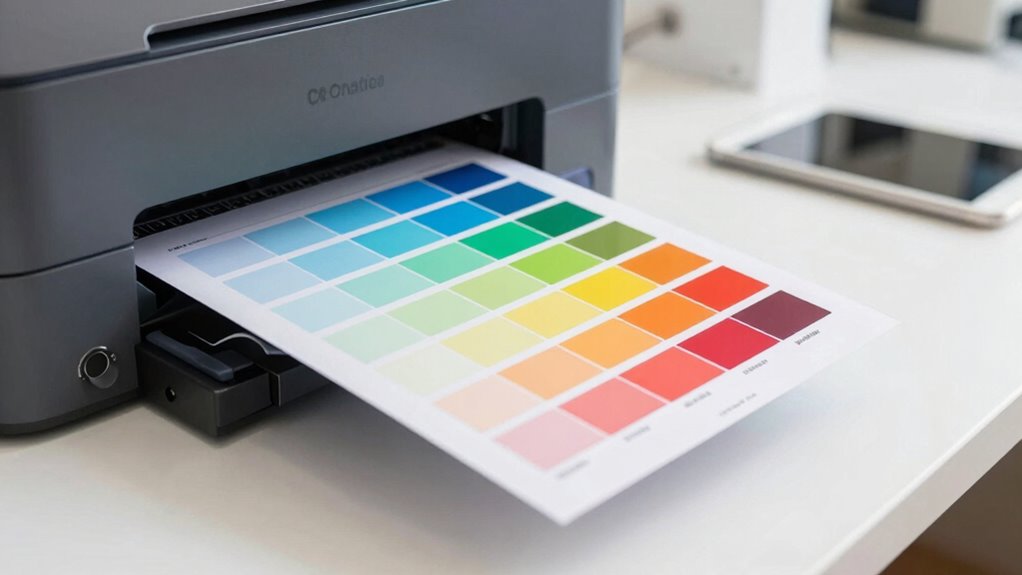
To get the best results from your printer profiles, you need to understand how to apply them correctly and consistently. First, choose the right profile for your specific print material, as different papers respond differently to profiles. Next, consider your ink types; using the recommended ink guarantees color accuracy and longevity. Always calibrate your monitor before printing to match the profile’s color settings. When printing, select the correct ICC profile in your print dialog to ensure colors are rendered accurately. Avoid switching profiles between prints, as this can cause inconsistency. Finally, test print on a small scale before running large jobs, allowing you to fine-tune settings and confirm the profile produces your desired results.
Frequently Asked Questions
Can I Create Custom ICC Profiles for My Specific Printer?
Yes, you can create custom ICC profiles for your specific printer. By doing a custom calibration, you guarantee that your printer produces colors accurately and consistently. This process helps maintain color consistency across prints, especially if you work with specific color standards or professional projects. You’ll need calibration tools and software, but creating a custom profile ultimately gives you better control over your print output and color fidelity.
Do All Printers Require ICC Profiles for Accurate Color?
Think of your printer as a musician needing sheet music. Not all printers require ICC profiles for accurate color, but without proper color management and calibration techniques, your prints may sound off. Using ICC profiles ensures your printer “reads” colors correctly, much like sheet music guides a musician. While some printers have built-in calibration, applying ICC profiles fine-tunes color precision, especially for professional or color-critical projects.
How Often Should I Update or Recalibrate My Printer Profiles?
You should update or recalibrate your printer profiles whenever you notice color inconsistencies or after significant changes like new ink, paper, or printer maintenance. Regular profile updating ensures accurate color reproduction. As a general rule, calibration frequency depends on your usage; for high-volume printing, do it weekly or bi-weekly. For casual use, monthly calibration usually suffices. Staying consistent with your profile updating keeps your prints true to color.
Are ICC Profiles Compatible Across Different Printer Brands?
ICC profiles are generally not compatible across different printer brands because each printer has unique color characteristics. This can impact color consistency if you try sharing profiles between brands. To maintain accurate color, you should use profiles specifically created for each printer model. While some profiles might work across similar printers, it’s best to generate or obtain a dedicated profile to guarantee consistent, high-quality prints and reliable profile sharing.
What Are the Differences Between Embedded and Device-Specific Profiles?
Ever wondered how embedded and device-specific profiles differ? Embedded profiles are stored within image files, ensuring consistent color management across devices, but they’re not tailored for your specific printer. Device-specific profiles are customized for your particular printer model, providing more accurate color reproduction. This distinction helps you achieve better profile customization, ensuring your prints match your expectations. Want precise color control? Using device-specific profiles often delivers the best results for your printer.
Conclusion
Think of printer profiles as the secret recipe to perfect prints. When you understand and use them correctly, your colors will dance on the page just like you envision. Don’t let confusion or missteps spoil your masterpiece—embrace these profiles as your trusty guide. With a little practice, you’ll turn your printer into a loyal artist’s brush, bringing your creative visions vividly to life. Happy printing!