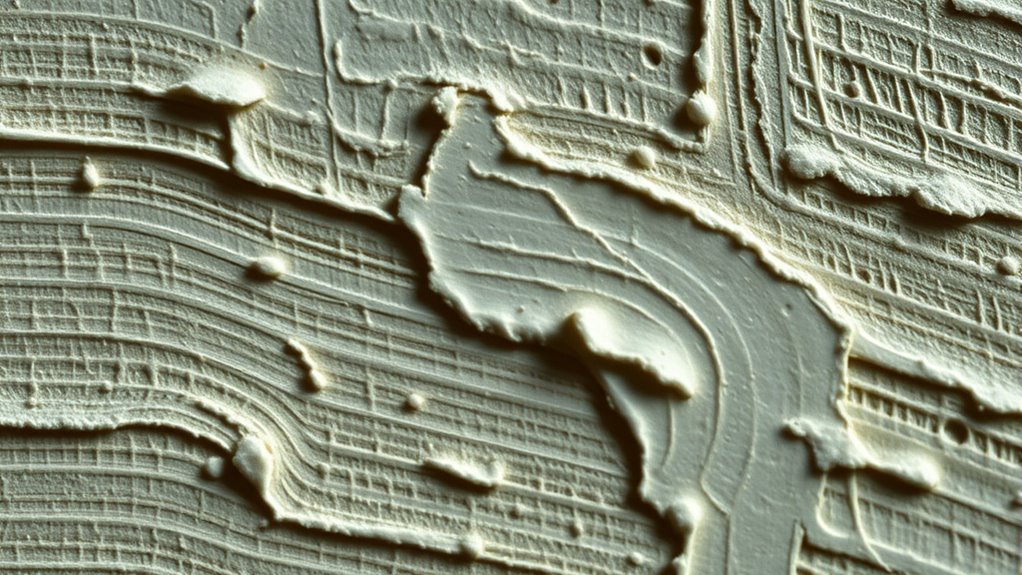

Texture mapping in digital paintings involves applying surface patterns and materials to 3D models to add realism and depth. You can use procedural textures, which are generated algorithmically, to create complex patterns like marble or woodgrain without relying on static images. Proper UV unwrapping ensures these textures fit correctly on your models, preventing distortion. Mastering these techniques allows you to craft more immersive and detailed digital artworks—stay with us to explore how all these pieces work together perfectly.
Key Takeaways
- Texture mapping adds realistic surface details and depth to digital paintings, enhancing visual richness and believability.
- Procedural textures generate complex patterns algorithmically, allowing customizable and scalable surface details without image files.
- UV unwrapping flattens 3D models onto 2D planes, ensuring textures align correctly and prevent distortion on digital surfaces.
- Combining well-organized UV maps with procedural textures results in highly realistic and cohesive surface appearances.
- Proper texture mapping balances technical skills and artistic vision, enabling immersive environments and detailed character designs.
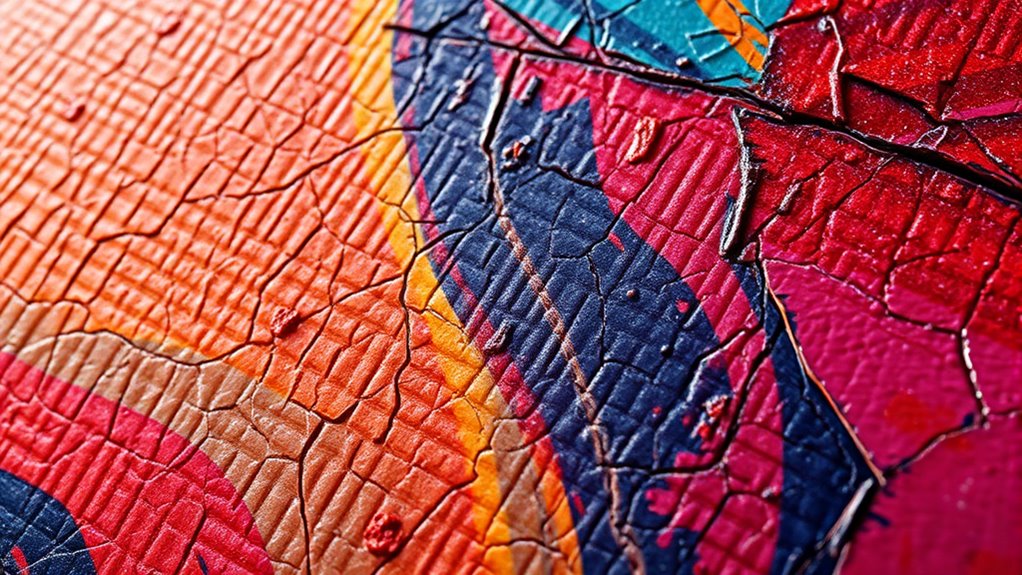
Have you ever wondered how digital images on your screen appear so detailed and realistic? It all comes down to the clever use of texture mapping, a technique that brings flat digital surfaces to life by adding depth, pattern, and detail. When you’re creating digital paintings or 3D models, understanding how textures are applied can dramatically elevate your work. A key concept here is procedural textures, which generate complex patterns algorithmically, allowing you to create highly detailed surfaces without relying solely on image files. These textures can simulate everything from marble veins to wood grain, and they can be easily adjusted to fit your project’s needs. Procedural textures are especially useful because they adapt seamlessly to different shapes and scales, saving you time and effort in your workflow. Additionally, mastering UV unwrapping is crucial for ensuring textures are correctly aligned on your models.
But to properly apply textures onto a 3D surface, you need to understand UV unwrapping. Think of UV unwrapping as the process of flattening a 3D object’s surface onto a 2D plane. It’s like peeling an orange and laying the peel flat without tearing it. This step is essential because it determines how your textures wrap around the model’s geometry. If the UV map isn’t well-organized, your textures might stretch, distort, or appear out of place, ruining the realism of your digital painting. When you create a UV map, you’re essentially creating a blueprint that guides the placement of your textures. Proper UV unwrapping ensures that patterns align correctly and that details appear where they should, contributing to a cohesive and believable surface.
The process involves marking seams, which are points where the mesh is cut to unfold it into a flat layout, and then unwrapping the mesh into a 2D representation. You can use various tools within your 3D software to do this, often with options for manual adjustments to optimize the layout. Once completed, you can apply your procedural textures or image-based textures to the UV map, knowing they will sit correctly on the model. This combination of procedural textures and meticulous UV unwrapping allows you to create highly realistic digital paintings with complex surface details. It’s a balancing act of technical skill and artistic vision, but mastering these techniques opens up endless possibilities for creating immersive, convincing environments and characters in your digital art.
Frequently Asked Questions
How Does Texture Mapping Differ Between 2D and 3D Digital Paintings?
When you compare how texture mapping differs between 2D and 3D digital paintings, you notice that in 3D, you assign a texture coordinate to each surface point, adding surface detail realistically. In contrast, 2D paintings often rely on layered textures and brushes without precise coordinate mapping. Your goal is to enhance realism or style, using these techniques to control surface detail and how textures wrap around your artwork.
What Are Common Mistakes to Avoid When Applying Texture Maps?
Poor placement, poor planning, and poor proportions can cause problems when applying texture maps. To avoid these mistakes, you should focus on precise positioning and avoid overusing repetition, which can make textures look unnatural or flat. Carefully align textures to your surface, and use variation instead of constant repetition. This helps create realistic, engaging surfaces without distracting or disrupting the overall visual harmony of your digital painting.
How Can I Optimize Texture Mapping for Faster Rendering?
To optimize texture mapping for faster rendering, you should enable GPU acceleration to speed up processing. Additionally, use mipmap optimization to reduce detail at farther distances, which decreases load times. Keep your textures at appropriate resolutions—avoid overly high-res files unless necessary. Streamlining your workflow with these techniques allows smoother, quicker rendering, so your digital paintings look great without sacrificing performance.
Are There Specific Tools Recommended for Advanced Texture Mapping Techniques?
Pondering perfecting your process? You’ll want to explore powerful tools that push your painting’s potential. For advanced texture mapping, consider procedural techniques that automate intricate details and custom brushes that add unique, personalized textures. Programs like Substance Painter, Quixel Mixer, and Photoshop provide robust features for these techniques. These tools streamline your workflow, making complex textures manageable, and help you create compelling, convincing textures with precision and passion.
How Does Lighting Affect the Appearance of Textures in Digital Paintings?
Lighting effects play a vital role in how textures appear, as they influence the perception of material realism. When you adjust lighting, it highlights surface details, shadows, and reflections, making textures look more authentic. Proper lighting guarantees that textures interact naturally with their environment, enhancing depth and realism. By experimenting with different lighting setups, you can dramatically improve the overall quality and believability of your digital paintings.
Conclusion
By mastering texture mapping, you reveal the secret to making digital paintings breathe with life and depth. It’s like adding a finely woven tapestry to your artwork, where every thread enhances the overall story. As you experiment and refine your techniques, you’ll find your creations transcending mere pixels—becoming vivid, tactile worlds that draw viewers in. Embrace texture mapping as your artistic compass, guiding you to craft digital masterpieces that resonate with realism and emotion.