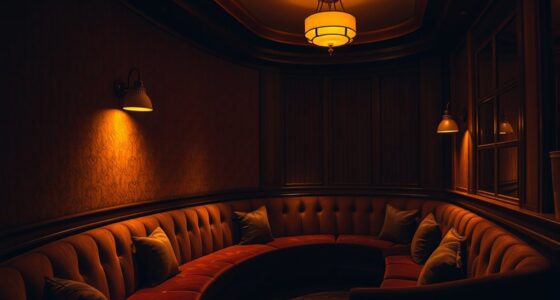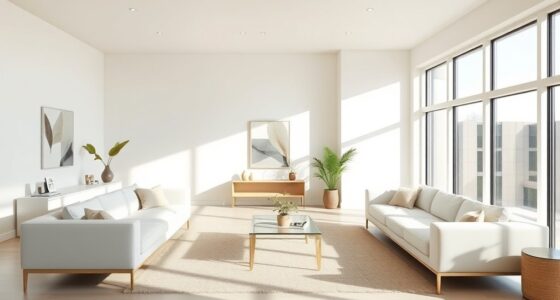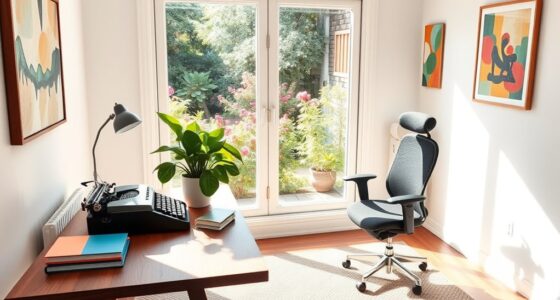
To make your Frame TV’s Art Mode look more like real art, start by selecting high-resolution digital images with accurate colors. Fine-tune the display settings such as contrast, brightness, and color calibration to match authentic artwork. You can also apply subtle filters and adjust lighting based on your room. Regularly update and organize your collection for variety. If you want to learn how to perfect these adjustments and achieve a natural look, keep exploring more tips.

Get art and craft supplies delivered free — and shop member deals
- Fast, free delivery on millions of items
- Access to Prime Big Deal Days deals on October 6–7
- Prime Video, Amazon Music and more included
Key Takeaways
- Calibrate colors, contrast, and brightness to match real art textures and lighting conditions for authentic appearance.
- Apply subtle artistic filters to enhance textures and create a more realistic, tangible art look.
- Use high-resolution artwork to ensure clarity and fine details at larger display sizes.
- Regularly verify and adjust display settings to maintain accurate color representation and realism.
- Incorporate ambient lighting to reduce glare and enhance the visual depth of digital artwork.
high resolution digital art for Frame TV
As an affiliate, we earn on qualifying purchases.
As an affiliate, we earn on qualifying purchases.
What Is Frame TV Art Mode and How Does It Work?
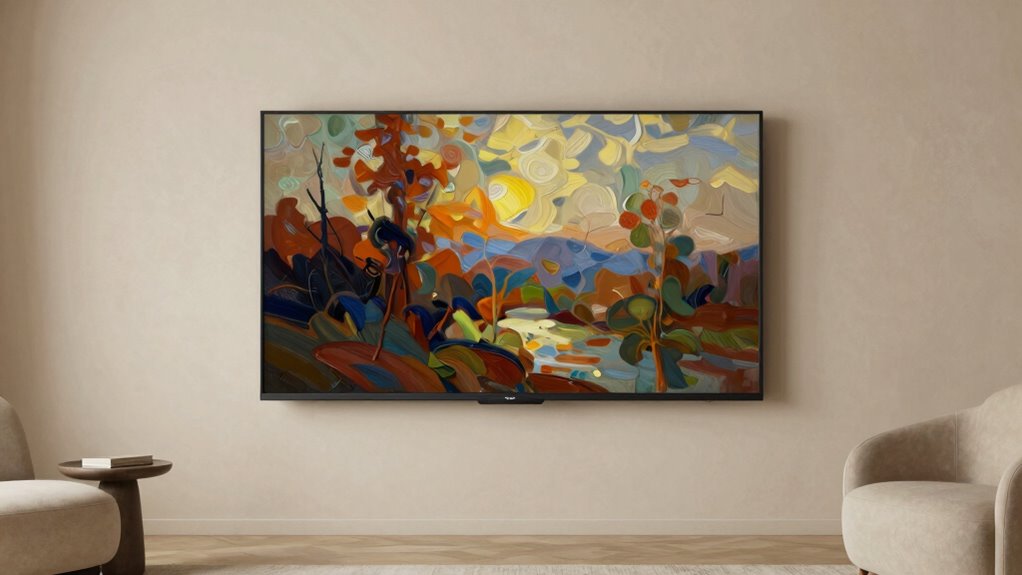
If you’re wondering what makes the Frame TV stand out, it’s the Art Mode feature that transforms your television into a stylish display. This mode allows you to showcase a curated art collection, turning your TV into a digital canvas. With digital curation, you select artwork from a variety of styles and genres, making it easy to personalize your space. Art Mode automatically adjusts brightness and color to mimic real art, creating an authentic gallery experience. The feature is designed to blend seamlessly with your decor when not in use, making your TV an elegant piece of art. By combining art collection management with smart digital curation, you create a dynamic display that elevates your living environment effortlessly. This innovative approach to digital content exploration enables users to engage with art in a whole new way, similar to how Victorian art aesthetics influenced contemporary decor choices.
As an affiliate, we earn on qualifying purchases.
How to Upload and Manage Digital Artwork on Your Frame TV
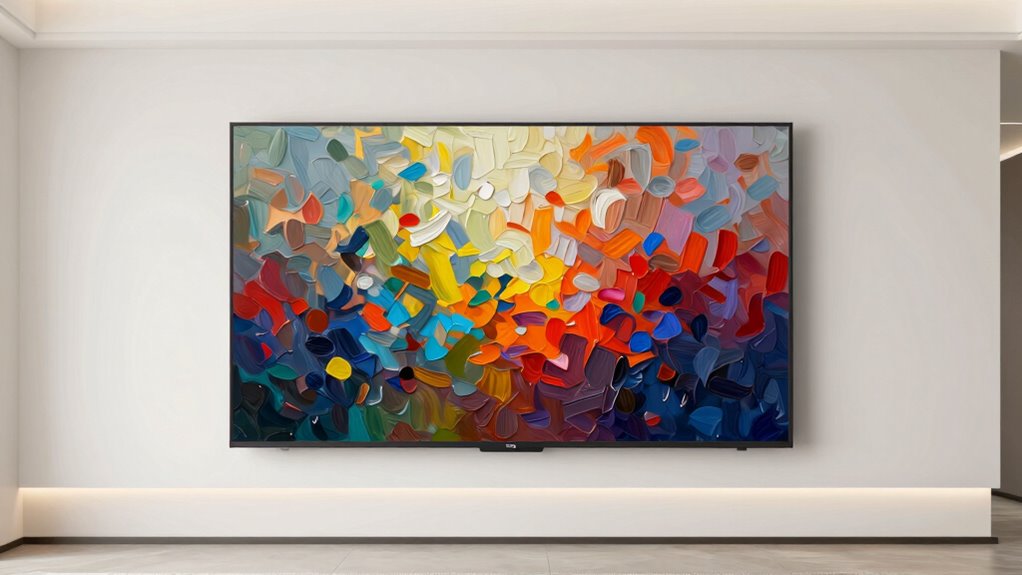
To upload and manage digital artwork on your Frame TV, start by accessing the Art Mode menu through your remote or the SmartThings app on your smartphone. From there, you can easily perform digital art curation, selecting images that suit your taste. If you subscribe to art services, browse their collections directly within the menu and add new pieces seamlessly. You can organize your artwork into playlists or categories to keep your display fresh and personalized. The app also enables you to remove or replace images with a few taps, giving you full control over your digital art gallery. Regularly managing your collection guarantees your Frame TV always showcases art that reflects your style, whether you’re updating with purchased pieces or curated selections from your favorite art subscription services. Additionally, ensuring color accuracy can significantly enhance the visual appeal of your artwork on display.
art mode display settings for Samsung Frame TV
As an affiliate, we earn on qualifying purchases.
As an affiliate, we earn on qualifying purchases.
How to Choose Realistic Digital Art for Your Frame TV

Choosing realistic digital art for your Frame TV involves paying attention to details like lighting, shading, and texture to create a lifelike appearance. Focus on artwork with accurate color representation, guaranteeing hues match real-world objects for a natural look. When selecting images, prioritize high-resolution pieces that maintain clarity even at larger sizes. Frame selection is also essential; choose artworks that complement your decor and evoke the desired mood. Look for pieces where color accuracy enhances realism, making the digital art feel like genuine artwork on your wall. Avoid overly stylized or abstract images if you want a more authentic, realistic effect. By carefully considering these factors, you confirm your digital art seamlessly blends into your space, mimicking the appearance of real art.
ambient lighting for digital art display
As an affiliate, we earn on qualifying purchases.
As an affiliate, we earn on qualifying purchases.
How to Fine-Tune Settings for a Natural, Authentic Look
Certainly! Here’s your revised content with the requested changes:
—
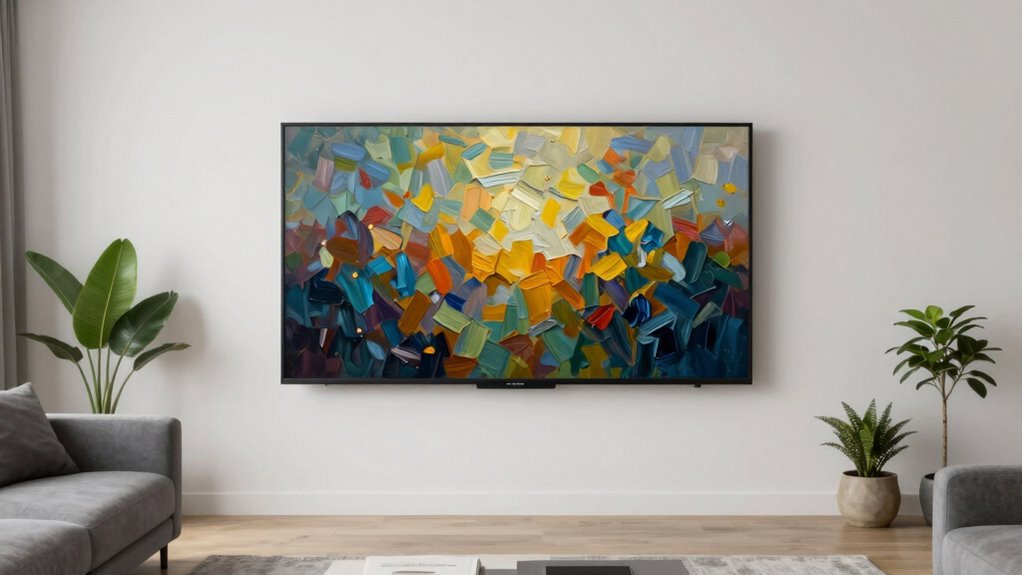
Once you’ve selected high-quality, realistic digital art, the next step is to fine-tune your TV’s settings to achieve a natural, authentic look. Focus on color calibration to verify hues are true to life, avoiding overly saturated or dull tones. Embracing diversity in art ensures a richer viewing experience that reflects different cultures and perspectives. Experiment with artistic filters to subtly enhance textures without making the art look artificial. Adjust contrast and brightness to match the lighting in your room, creating a seamless viewing experience. Fine-tune sharpness carefully—too much can make the art appear artificial, while too little dulls details. Use the picture mode settings to balance warmth and coolness, aligning the art’s color temperature with real-world artwork. Remember, small adjustments make a significant difference in authenticity. Additionally, consider incorporating natural lighting to enhance the viewing experience and further mimic the ambiance of traditional art displays.
- Calibrate colors for accuracy
- Apply subtle artistic filters
- Adjust contrast and brightness
- Balance warmth and coolness
- Fine-tune sharpness for detail
—
Let me know if you need any further modifications!
How to Make Digital Art Resemble Real Paintings
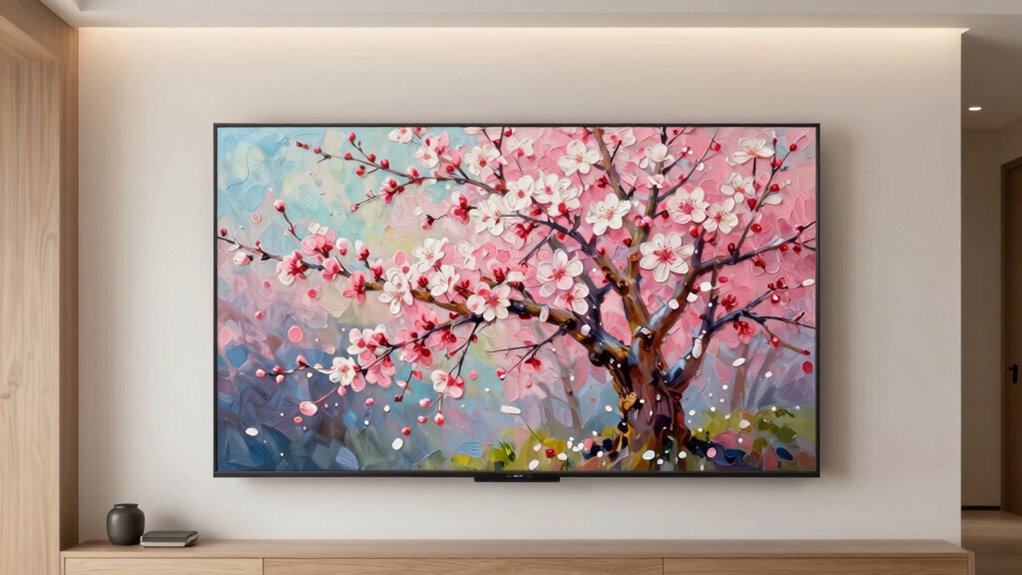
Achieving a digital art display that closely resembles a real painting involves more than just selecting the right image; it requires subtle adjustments to mimic traditional brushstrokes and textures. Focus on color accuracy to guarantee the hues match those found in genuine artwork, avoiding overly vibrant or flat tones. You can enhance realism by choosing artistic styles that emulate oil paintings, watercolors, or acrylics, which add depth and texture to your display. Adjust the contrast and saturation to replicate the nuances of physical media. Consider applying filters or art modes designed to imitate brushwork and canvas texture, making the digital piece feel more authentic. By fine-tuning these elements, your digital art will evoke the look and feel of a real painting, enriching your space with genuine artistic depth.
Troubleshooting Common Issues With Art Display
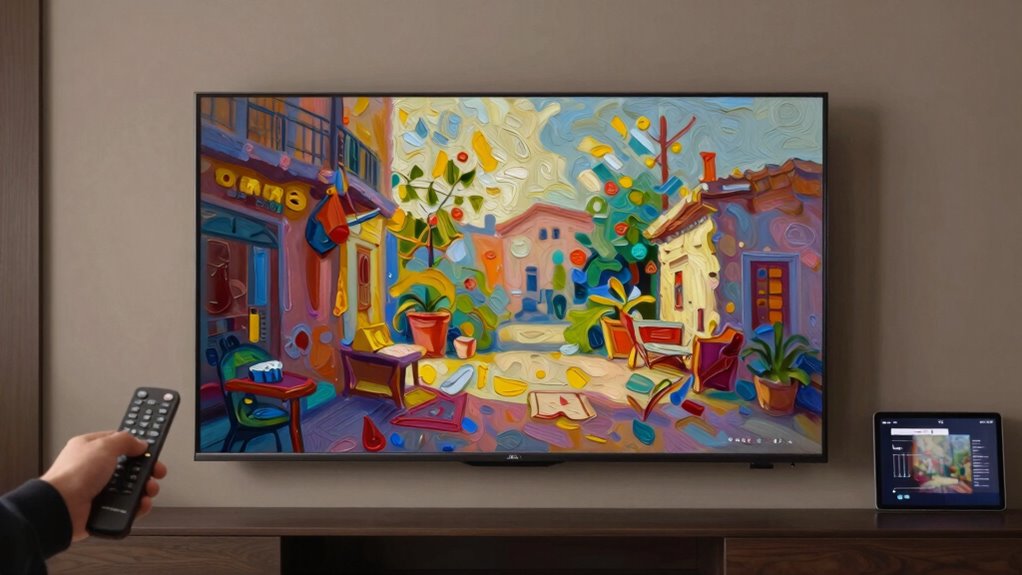
Even with careful setup, you might encounter issues where your art display doesn’t look as expected. Common problems include color inaccuracies, poor contrast, or an image that seems off. To fix these, start with display calibration—adjust brightness, contrast, and sharpness to match your room’s lighting. For color correction, tweak the settings so the artwork’s hues appear natural and vibrant. If the image looks dull or washed out, revisit calibration and color correction settings. Verify your TV’s firmware is updated, which can resolve display bugs. Also, check if the art file’s resolution is appropriate. Here are some troubleshooting tips:
- Recalibrate the display regularly
- Adjust color correction settings
- Update your TV firmware
- Verify high-resolution artwork
- Reset to factory settings if needed
Additionally, ensuring your display settings align with color accuracy standards can significantly enhance the appearance of your digital art. To maintain optimal quality, consider software quality assurance practices that ensure your display is functioning as intended. Moreover, understanding the importance of ethical consumerism can help you make informed choices about the products you use. To further improve your indoor ambiance, consider the impact of microplastics in dust, which can affect air quality and, in turn, your overall viewing experience.
Creative Ideas to Decorate With Digital and Framed Art
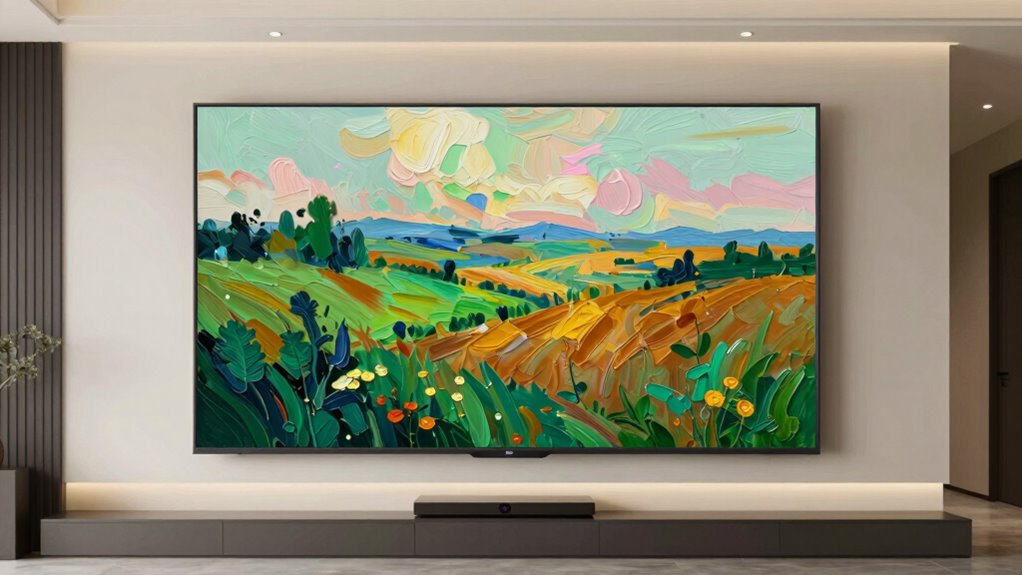
Digital and framed art offer versatile ways to elevate your home decor, allowing you to showcase your personality and style creatively. To create a stunning display, curate an art collection that reflects your interests and complements your space. Mix digital pieces with framed art to add variety, making your walls more engaging. Pay attention to color matching; choose artworks that harmonize with your room’s palette to maintain visual balance. Use digital art in areas where flexibility matters, like changing themes for seasons or moods. Framed art, on the other hand, adds a classic touch and permanence. Combine both styles thoughtfully to craft a cohesive look — bold digital pieces paired with subtle framed art can create a dynamic, personalized gallery that truly expresses your unique style.
Frequently Asked Questions
Can I Use Third-Party Apps to Enhance Art Mode Displays?
Yes, you can use third-party apps to enhance art mode displays on your Frame TV. These apps often offer better art display customization, allowing you to personalize your viewing experience. They provide a wider selection of digital art, filters, and display settings that may not be available through the default options. Just make certain the app is compatible with your TV model and follow installation instructions carefully for best results.
How Often Should I Update or Rotate the Digital Artwork?
You should update or rotate your digital artwork every few weeks to keep your display fresh and engaging. Ironically, frequent changes actually help with art preservation, preventing screen burn-in and ensuring your display’s longevity. By doing this, you maintain a vibrant, museum-quality look while extending your TV’s lifespan. So, don’t wait too long—your digital gallery benefits from regular updates, just like a real art collection needs care.
Is There a Way to Customize the Frame Around the Digital Art?
Yes, you can customize the frame around your digital art on your Frame TV. Samsung offers options for frame customization, allowing you to choose different styles or colors to match your decor. Explore the art display options in your TV’s menu; you’ll find settings to adjust the frame’s appearance or even add virtual matting. Personalizing the frame enhances your viewing experience, making the digital art look more like traditional artwork.
What Are the Best Settings for Displaying Art in Bright Rooms?
Think of your TV as a window into a gallery—bright rooms can wash out the art. To prevent this, set your display to the highest color calibration and adjust brightness to reduce glare. I once boosted brightness too high and lost details in a sunny room, but dialing it down brought the artwork to life. For bright rooms, these settings help your digital art shine just like real masterpieces.
Can I Create Custom Digital Art Specifically for My Frame TV?
Yes, you can create custom digital art specifically for your Frame TV. The device offers various customization options, allowing you to personalize your art display. You can upload your own images, adjust color settings, and even crop or resize artwork to fit your screen perfectly. This way, you guarantee your digital art looks exactly how you want, blending seamlessly with your interior and making your TV a true art showcase.
Conclusion
With a few simple tweaks, your Frame TV becomes a window to a gallery bursting with life and personality. Think of it as turning a blank canvas into a masterpiece that whispers stories and stirs emotions. By mastering Art Mode, you transform digital images into timeless works of art, making your space feel warm and uniquely yours. So, let your creativity flow and watch your walls come alive with beauty and inspiration.
Evergreen bestsellers Picks
bestsellers
As an affiliate, we earn on qualifying purchases.