
Choosing the best monitor size for your art isn’t just about going big; it’s about finding a balance that supports your workflow, detail needs, and ergonomics. A screen that’s too small makes you zoom constantly and causes eye strain, while a huge one can be overwhelming or awkward to set up. Focus on a size that provides enough workspace and clarity without sacrificing comfort. Stick around, and you’ll discover how to pick the perfect fit for your creative style.
Key Takeaways
- Larger monitors improve detail and workflow but must be balanced with ergonomic comfort and workspace limitations.
- High resolution and accurate color calibration are more critical than size alone for professional-quality art.
- Optimal monitor size varies based on art style, workspace, and ergonomic needs, not just screen dimensions.
- Proper positioning and adjustable stands enhance comfort, reduce eye strain, and support precision.
- Testing different sizes and calibrating regularly ensures the monitor best supports your artistic workflow.
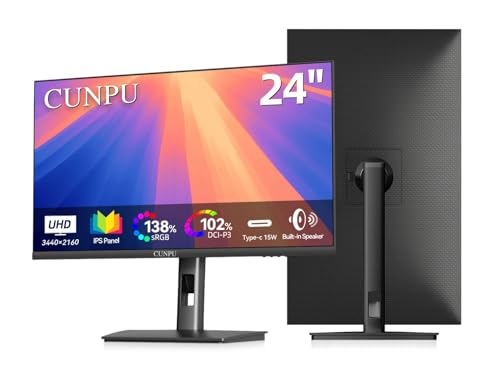
CUNPU 24" 4K UHD Professional USB-C Monitor, 100% sRGB/DCI-P3, E2 Color Accuracy, 185 PPI Pixel-Perfect Clarity, for Mac Laptop Screen Extender, HDMI/DP, Built-in Speakers, Ergonomic Stand
- High Pixel Density: 185 PPI for sharp clarity
- Professional Color Coverage: sRGB, Adobe RGB, DCI-P3
- E2 Color Accuracy: Ensures true-to-life colors
As an affiliate, we earn on qualifying purchases.
As an affiliate, we earn on qualifying purchases.
How Does Monitor Size Affect Your Digital Art Workflow?
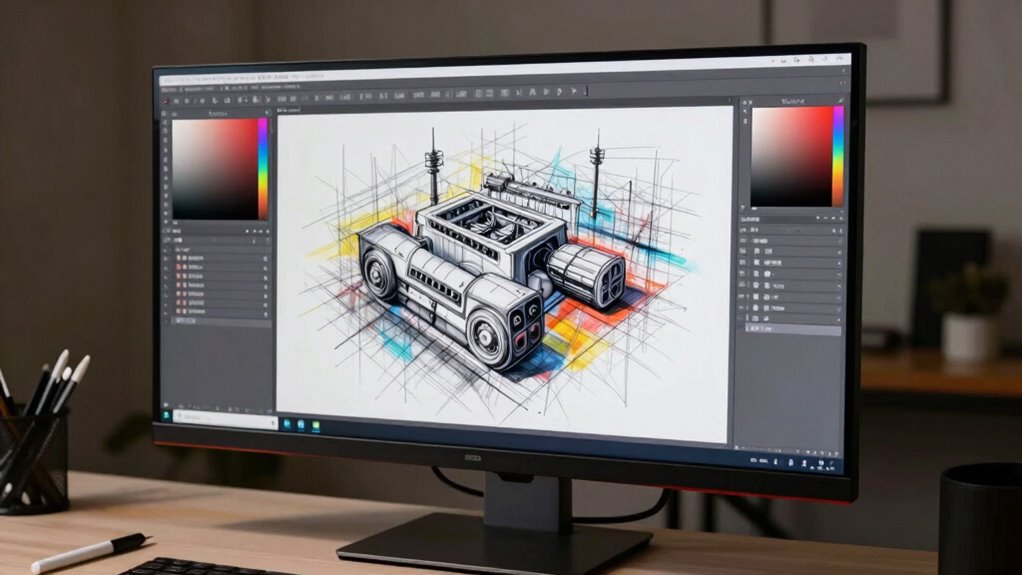
Your monitor size directly influences how efficiently you work on digital art. A larger screen lets you see more detail, making it easier to apply color theory accurately and create nuanced shades. It also enhances your ability to view multiple layers and tools simultaneously, streamlining your workflow. Additionally, a bigger monitor can improve keyboard ergonomics by giving you more space to position your hands comfortably, reducing strain during long sessions. Smaller screens might cause you to zoom in and out constantly, slowing down progress and increasing eye fatigue. Ultimately, choosing the right size helps you stay focused and precise, enabling better color choices and a more comfortable working posture. This balance can considerably elevate your overall digital art experience. Furthermore, being mindful of your emotional needs as an artist can significantly impact your creativity and output. Adopting the right monitor size can also enhance your template compatibility by allowing for better visibility of design elements and testing results. In addition, a larger display can facilitate the use of retro fonts, which are becoming increasingly popular in contemporary design trends. Moreover, a spacious screen can accommodate waterpark design layouts, allowing artists to visualize expansive projects more effectively. The right monitor size also promotes a better understanding of digital concepts, enhancing your overall creative process.

BoYata Monitor Stand, Adjustable Height Metal Desktop Riser, Black
- Adjustable Height: Twist knob for height customization
- Ergonomic Design: Promotes comfortable eye and neck level
- High Weight Capacity: Supports up to 33.06 lbs with stability
As an affiliate, we earn on qualifying purchases.
As an affiliate, we earn on qualifying purchases.
What’s the Best Monitor Size for Your Art Style and Technique?
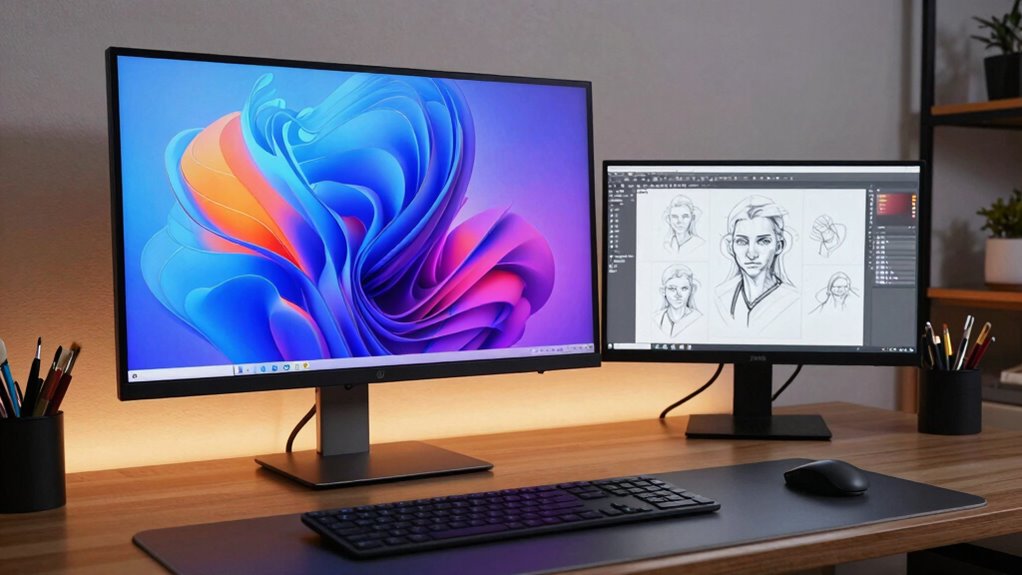
Choosing the right monitor size depends heavily on your specific art style and technique. If you work on detailed, intricate pieces, a larger screen allows for better precision and a broader workspace. For those focused on color accuracy, prioritize monitors with excellent color calibration to guarantee your colors remain consistent across devices. Monitor ergonomics also matter—an adjustable stand helps you maintain good posture during long creative sessions. If you prefer sketching or quick concepts, a smaller, more portable monitor might suit your needs. Ultimately, your choice should balance size with comfort, guaranteeing that the monitor supports your workflow without strain. By aligning your monitor size with your art style and technique, you’ll create more efficiently and comfortably. Additionally, consider implementing essential home tips for optimizing your workspace to enhance creativity and organization.

Calibrite Display 123 Monitor Calibration Colorimeter for Photo Editing and Color Accurate Viewing, Easy 1 2 3 Software Workflow, USB C Connection, and Before and After Check, Supports 2 Displays
- Compact Design: Approximately 34mm tall and 37mm diameter
- USB C Connectivity: Supports modern USB C connections
- Supports Two Displays: Calibrates up to 2 monitors
As an affiliate, we earn on qualifying purchases.
As an affiliate, we earn on qualifying purchases.
How Resolution and Aspect Ratio Impact Your Creative Process?
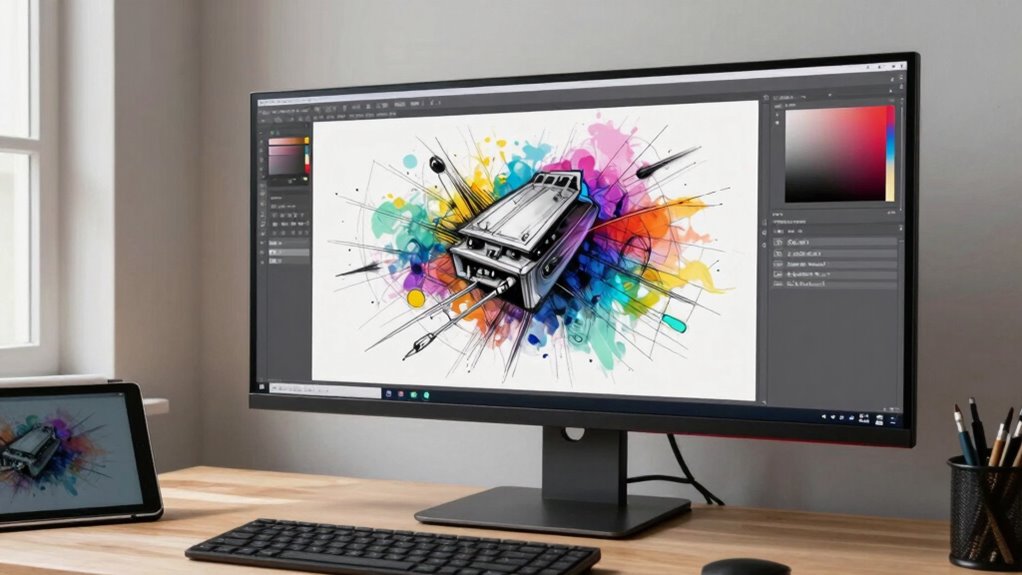
Have you ever noticed how the resolution and aspect ratio of your monitor can dramatically influence your creative workflow? Higher resolution provides more detail, making it easier to see fine lines and subtle color variations, which is essential for precise work. Proper color calibration ensures that what you see on screen matches real-world colors, reducing surprises in your final piece. Aspect ratio also plays a role: wider screens give you more horizontal space for timelines or multiple tool panels, boosting efficiency. A well-calibrated monitor with the right resolution and aspect ratio helps you work more accurately and comfortably, minimizing eye strain and mistakes. These factors directly impact your ability to create, refine, and perfect your art with confidence and clarity.

cocopar Portable Monitor 15.6 Inch 1080P FHD 60Hz 85% sRGB Travel Monitor with Speaker HDMI USB-C Second Screen for Laptop MacBook Surface PC Xbox PS4/5, VESA Mountable, with Cover Stand
- Portable Monitor for Laptops: Compatible with various laptops and tablets
- Plug and Play USB-C: Single USB-C cable for power and display
- Wide Compatibility: Supports PC, PS4, Xbox, and more
As an affiliate, we earn on qualifying purchases.
As an affiliate, we earn on qualifying purchases.
Finding the Perfect Balance Between Screen Space and Detail
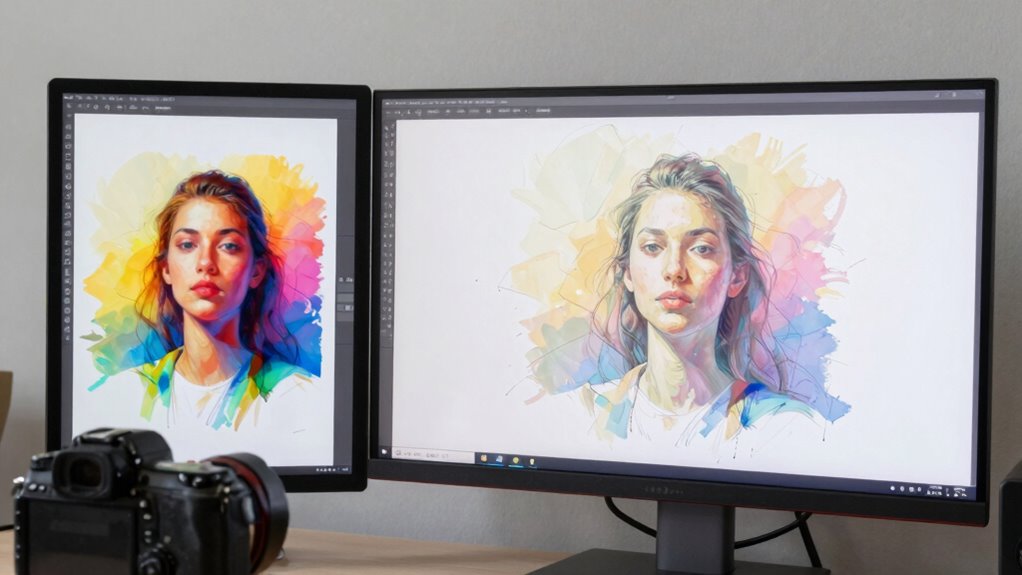
Balancing screen space and detail is key to optimizing your creative workflow. You need enough room to see your work clearly, but not so much that detail gets lost or your eyes strain. Proper color calibration guarantees your colors stay accurate across the screen, enhancing precision. Additionally, using top car protection can help maintain your workspace by preventing dust and spills on your gear. An ergonomic setup reduces fatigue, allowing you to work comfortably longer. Furthermore, incorporating sound therapy into your daily routine can help improve focus and creativity. Additionally, understanding tax planning strategies can help you allocate your budget effectively for a quality monitor. To find your ideal balance, consider this table:
| Monitor Size | Screen Space | Detail Clarity |
|---|---|---|
| 24” | Good for detailed work | Moderate |
| 27” | Better for multitasking | High |
| 32” | Immersive workspace | Very high |
| 34” Ultra-wide | Extensive view | Great for multitasking |
| 38”+ | Maximum space | Exceptional |
Choosing the right monitor size can significantly enhance your creative workflow, guaranteeing your setup promotes both comfort and precision.
Tips for Testing and Choosing the Right Art Monitor

When testing monitors for your art, make certain to calibrate your display regularly to guarantee accurate colors. Check color accuracy thoroughly by viewing test images and comparing them to real-world references. Also, evaluate the screen size for comfort during long creative sessions to find the best fit for your workflow.
Calibrate Your Display Regularly
Regularly calibrating your display guarantees that the colors and brightness levels stay accurate over time, which is essential for producing true-to-life artwork. Proper color calibration ensures your monitor displays hues correctly, preventing color shifts that can compromise your work. Additionally, paying attention to display ergonomics helps maintain comfortable viewing angles, reducing eye strain during long sessions. To keep your monitor in top shape:
- Use calibration tools or software for consistent color accuracy.
- Adjust brightness and contrast based on ambient lighting.
- Set a regular schedule, like monthly, for calibration.
- Verify your monitor’s position promotes proper ergonomics for extended use.
This routine helps you maintain precision and visual comfort, keeping your art true to your vision. Additionally, understanding color accuracy is vital for ensuring that your artwork is represented as intended across different displays.
Test Color Accuracy Thoroughly
Testing your monitor’s color accuracy thoroughly is essential to guarantee your artwork looks consistent across different devices and mediums. Begin with proper color calibration to ensure the display shows true colors. Use calibrated test images or professional calibration tools to evaluate color accuracy. Look for color consistency across various shades and tones, checking if subtle details remain distinct. Pay attention to how well the monitor reproduces blacks, whites, and midtones, as these are vital for accurate art creation. If colors appear off or inconsistent, it’s a sign to recalibrate or consider a different monitor. Regularly testing and adjusting your display helps maintain reliable color accuracy, guaranteeing your digital artwork remains true to your vision no matter where it’s viewed or printed.
Evaluate Screen Size Comfort
Choosing the right screen size for your art monitor is essential because it directly impacts your comfort and workflow. To evaluate screen size comfort, test how well you can maintain an ergonomic posture and minimize screen glare during prolonged use. Follow these tips:
- Sit at your usual working distance and check if your eyes level with the top of the screen.
- Adjust the monitor height to prevent neck strain and promote an ergonomic posture.
- Observe if the screen size allows you to see the entire workspace without excessive head movement.
- Test different lighting conditions to assess screen glare and reflections, ensuring clear visibility. Additionally, consider how digital frames can complement your art display and enhance your creative environment. Proper projector installations can also provide insights into optimal screen placements for your workspace.
Remember that a good workspace is about understanding ergonomics, which can significantly improve your efficiency and comfort. Incorporating lightweight foundations can also help maintain a fresh look while you create, reflecting the importance of comfort in your artistic endeavors.
Common Mistakes to Avoid When Picking Your Art Monitor
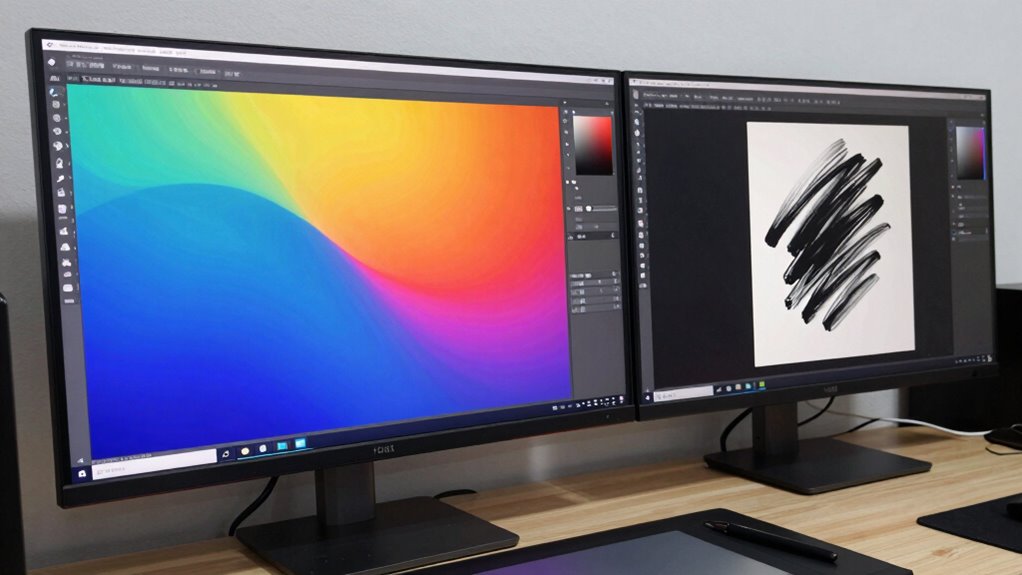
When choosing an art monitor, you might focus on size and overlook critical features like color accuracy and resolution. Ignoring these factors can lead to colors that don’t match your work or a display that’s too blurry for fine details. Make sure to prioritize accurate color reproduction and high resolution to get the best results. Additionally, investing in camera gear for content can significantly enhance the overall quality of your art presentations. Having the right monitor can also improve your workflow by ensuring safety tips are considered, just as eucalyptus oil can improve respiratory health through its decongestant effects. The right monitor can also provide an experience similar to classic arcade games, allowing for precise details and vibrant colors that truly represent your artistic vision.
Overlooking Color Accuracy
Many artists overlook the importance of color accuracy when selecting a monitor, but this mistake can profoundly impact your work. Without proper color calibration, your colors may appear off, causing mismatched prints or inconsistent digital work. Prioritize monitors with excellent color reproduction and calibration capabilities. Also, consider monitor ergonomics to reduce eye strain during long sessions, which can affect color perception over time. Here are key points to avoid this mistake:
- Confirm the monitor supports precise color calibration.
- Check for a wide color gamut (like Adobe RGB).
- Regularly calibrate your monitor for consistency.
- Choose ergonomic features that minimize eye fatigue.
Additionally, understanding the concept of astrological compatibility can help artists select colors that resonate with their personal style and enhance their creative expression. Focusing on these aspects guarantees your colors stay true, improving your overall art quality. Furthermore, investing in high-quality performance parts can enhance the overall visual experience by providing clearer, more accurate representations of your artwork. Consider that the right smart locks can also secure your creative space, ensuring your equipment remains safe and accessible. Regular maintenance of your equipment, similar to appliance upkeep, can prevent unexpected issues that may disrupt your creative workflow. Finally, incorporating stylish decor in your art room can create an inspiring environment that fosters creativity and focus.
Ignoring Screen Resolution
Ignoring screen resolution can severely limit the quality of your digital artwork, even if the monitor has excellent color accuracy. A low resolution reduces detail, making it harder to see fine lines or subtle shading, which impacts your artistic perspective. Don’t assume a larger screen size can compensate for a low resolution; the image will still appear pixelated or blurry. To create sharp, precise artwork, choose a monitor with a high resolution that matches or exceeds your needs. This guarantees you see accurate detail and can work comfortably without straining your eyes. Remember, a good screen size combined with a proper resolution enhances your workflow and helps you produce professional-quality art. Avoid ignoring resolution, as it’s essential for maintaining clarity and detail in your digital projects.
Final Tips: How to Make the Best Choice for Your Art Needs
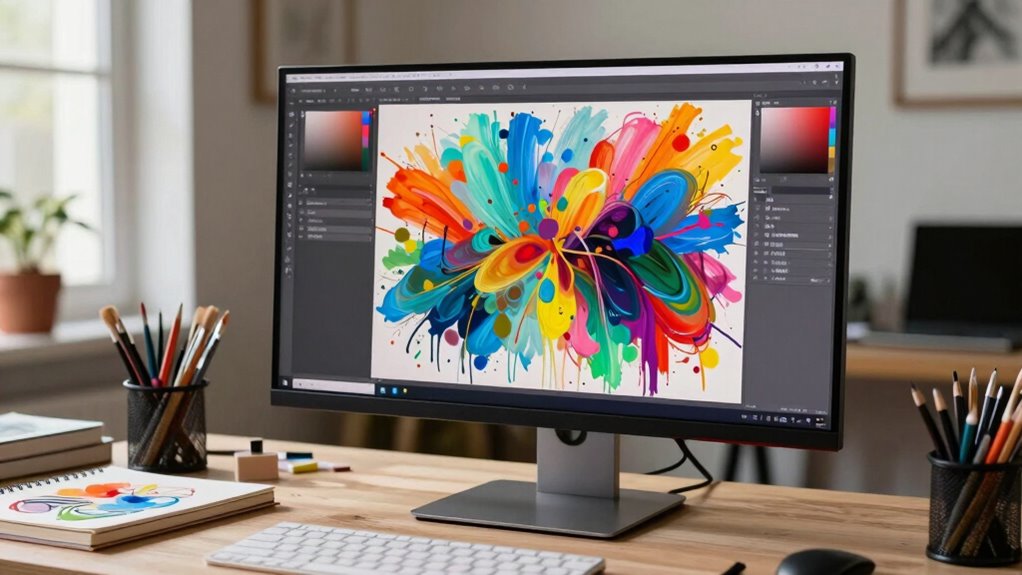
Choosing the right monitor size for your art projects ultimately depends on your specific needs and workspace. To make the best decision, consider these tips:
- Prioritize color grading accuracy, which often benefits from larger, high-resolution screens to see details clearly.
- Make certain your setup is ergonomic; a monitor that suits your eye level and posture prevents strain.
- Think about your workspace; a bigger screen might be ideal, but only if it fits comfortably.
- Test different sizes if possible, to find what feels natural during long creative sessions.
Frequently Asked Questions
Can Monitor Size Influence Color Accuracy for Digital Art?
Yes, monitor size can influence color accuracy for digital art. Larger screens often provide more space for detailed work, but color calibration and screen resolution are essential. A well-calibrated monitor guarantees consistent colors, while higher resolution offers sharper images. Even on a smaller monitor, proper calibration and high resolution can improve your color accuracy. So, size matters less than making certain your display is properly calibrated and has adequate resolution for precise color work.
Is a Larger Monitor Always Better for Detailed Artwork?
A larger monitor isn’t always better for detailed artwork—size alone can be deceiving. You need a high monitor resolution to see fine details clearly and sufficient screen brightness for accurate color work. Bigger screens can overwhelm your workspace or cause eye strain if not paired with proper resolution and brightness. Focus on these features rather than just size, ensuring you have the right tools to bring your art to life.
How Does Monitor Ergonomics Impact Long-Term Art Creation?
Monitor ergonomics considerably impact your long-term art creation by reducing eye strain and posture issues. When you set your monitor at eye level and maintain proper distance, your eyes stay relaxed, and you avoid hunching or craning your neck. This setup helps prevent fatigue and discomfort, allowing you to work longer and more comfortably. Prioritizing ergonomic adjustments guarantees your health stays protected while you focus on producing your best artwork.
What Budget Options Are Available for High-Quality Art Monitors?
You can find budget options for high-quality monitors that suit your art needs by exploring brands like ASUS, BenQ, and ViewSonic, which offer affordable yet reliable models. Look for features such as accurate color reproduction, good resolution, and adjustable stands. While these monitors may be more affordable, they still provide excellent performance for digital art, making them a smart choice if you’re on a budget but want quality results.
Do Curved Screens Benefit Digital Artists More Than Flat Screens?
Like stepping into the artist’s studio, a curved screen immerses you in your work, offering a more natural viewing experience. For digital artists, screen curvature enhances depth perception and reduces eye strain, making it easier to focus on details. While flat screens are reliable, curved monitors provide an immersive experience that can improve workflow and comfort, ultimately helping you create with greater precision and less fatigue.
Conclusion
So, you’ve dived into the wild world of monitor sizes, only to realize that bigger isn’t always better—who knew? Remember, your perfect art setup isn’t just about size but about finding that sweet spot where detail, space, and comfort collide. Don’t fall for the hype or get distracted by flashy specs. Stick to your gut, test a few, and trust that your art will shine brighter on a monitor that truly fits your style—size isn’t everything, after all.